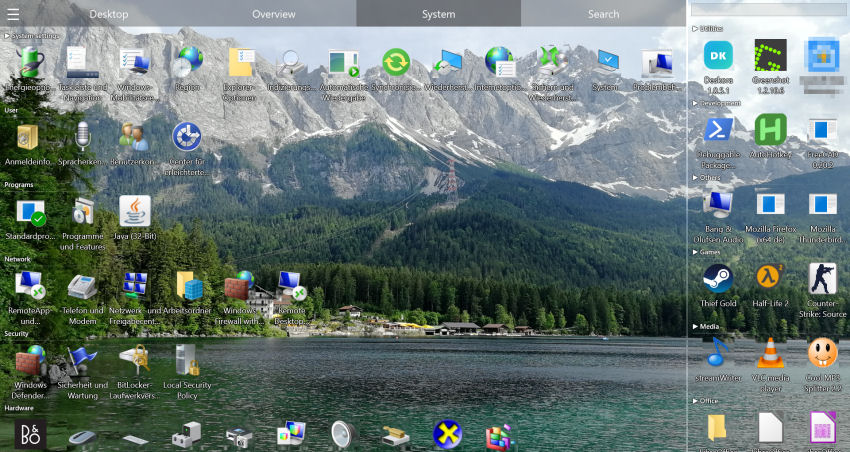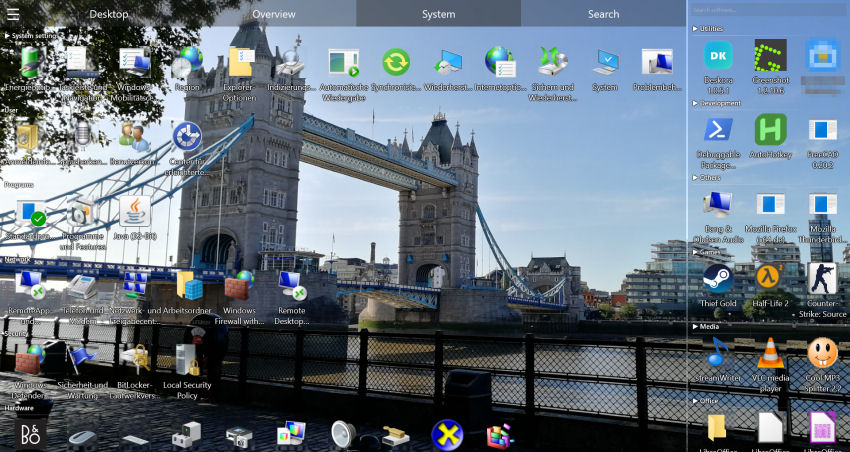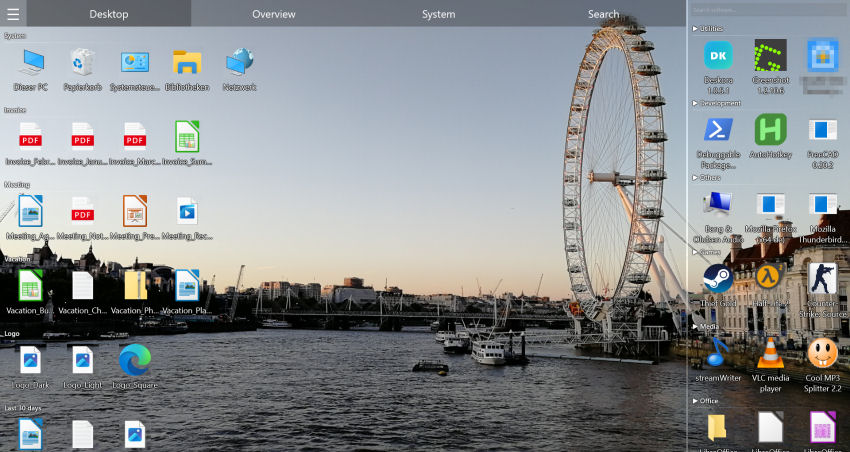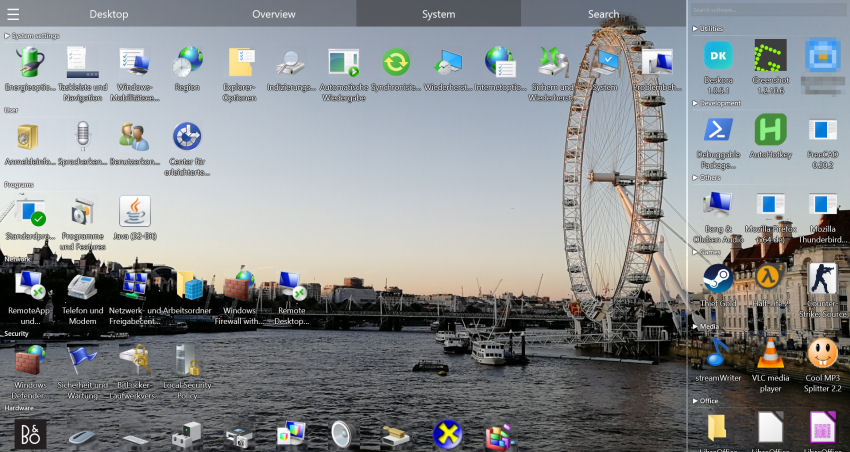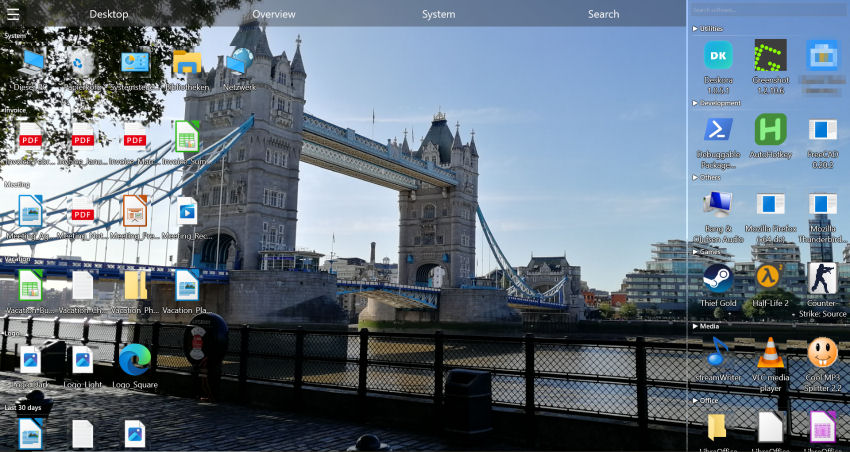
What makes a desktop organizer the "best"?
Most "best desktop software" lists just rank tools by popularity. That is not very useful, because the right choice depends on what you actually need. Before comparing products, it helps to know the criteria that separate a genuinely good desktop organizer from a gimmick:
- Automatic organisation — does it group files for you, or do you still have to drag every icon by hand?
- Search — can you find any file instantly, by name and by content?
- Performance — is it light on CPU and memory, or does it slow your PC down?
- Price — free with no catch, or a recurring subscription for sorting icons?
- Privacy — does it work locally without forcing an account?
Measured against these criteria, most well-known tools only tick one or two boxes. Deskora was built to tick all of them.
Best desktop organizer software 2026: comparison
| Criterion | Deskora | Fences | DesktopOK | Rainmeter |
|---|---|---|---|---|
| Price | Free | Paid (subscription or one-time purchase), 30-day trial | Free | Free |
| Automatic grouping | ✓ No setup | ✓ Via rules you set up | ✗ | ✗ |
| NTFS file search | ✓ | ✗ | ✗ | ✗ |
| Content search | ✓ | ✗ | ✗ | ✗ |
| Installed-software overview | ✓ | ✗ | ✗ | ✗ |
| Resource-friendly | ✓ | ✓ | ✓ | Varies |
| Multi-monitor | ✓ | ✓ | ✓ | ✓ |
Where each tool fits
- Stardock Fences — polished "fences" areas, and since version 6 automatic sorting through rules you set up yourself; paid (subscription or one-time purchase, 30-day trial) and with no file search of its own.
- DesktopOK — free and tiny, but it only saves and restores icon positions; it does not organise anything.
- Rainmeter — powerful for skins and widgets, focused on decoration rather than file organisation.
- Windows built-in — only sorts by name, size or date, with no grouping or search-as-you-type.
🏆 The all-in-one free option
Deskora brings automatic grouping, instant search and a clean interface together — at no cost.
Download Deskora FreeWhy Deskora is the best free choice
🗂️ It organises automatically
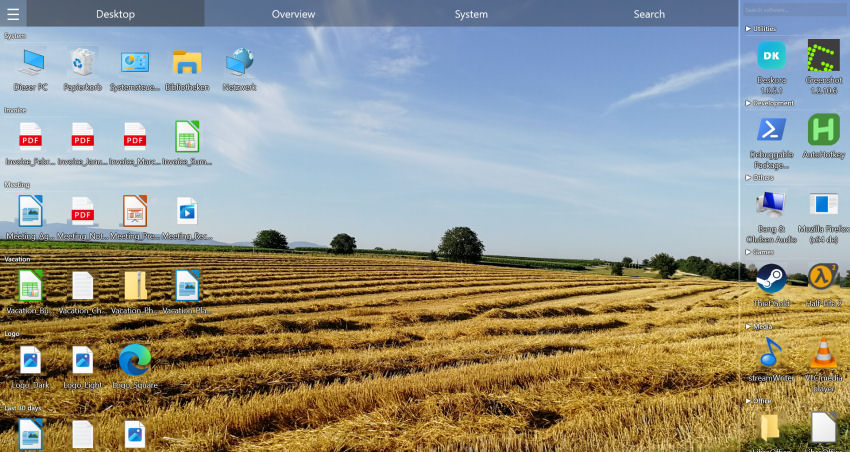
Files are grouped by name and type into categories like Documents, Media, Development and Archives — no manual dragging. New files are highlighted, older ones grouped by age.
⚡ It finds anything instantly
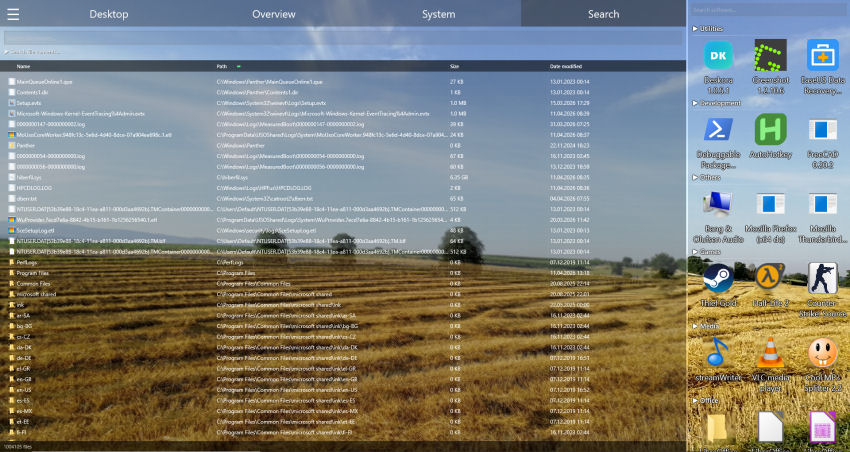
The NTFS index covers your local hard disks and SSDs. Search by name with wildcards (*, ?) or, optionally, inside file contents — results appear as you type.
📦 It manages your software
A complete overview of installed programs, Steam games and Store apps, sorted by how often you use them — something no competitor on this list offers.
🎮 It stays smooth and light
Direct3D 11 rendering keeps the interface fluid with minimal CPU usage, and an idle mode keeps resource use near zero when you are not interacting.
Is free desktop software worth it?
A common worry is that free tools must cut corners. Deskora is free in the honest sense: no ads, no subscription, no trial that expires, and no account required. The grouping runs locally; only file types and apps it doesn't recognise yet are assigned once with AI help — using just the file extension or program name, never your file names or contents. For most users that combination of capability and price makes it the best value of any desktop organizer in 2026.
What makes great desktop organizer software?
Not all desktop organizer software is created equal. Great software must do far more than move icons around — it must sort your files automatically, group them reliably and help you find them instantly.
- Automatic classification — no manually building every group
- Ultra-fast search — find any file in under a second
- Real-time detection — new files sorted automatically
- Modern UI — seamless integration with Windows 10/11
- Zero cost — organization software shouldn't cost anything
Deskora checks every box
🧠 Zero-effort classification
Deskora sorts every file by type and name and automatically creates logical groups. Office docs together, images together, code together. So accurate you'll rarely need to adjust anything.
⚡ NTFS search with no waiting
A small background service reads the Master File Table and the USN change journal of your local drives, so the index is always current. Search by filename or by text inside Word, PDF, Excel and more.
🔄 Continuous desktop monitoring
Every new file created, downloaded or moved is detected in real time and automatically sorted into the right group. Your desktop organizes itself — always.
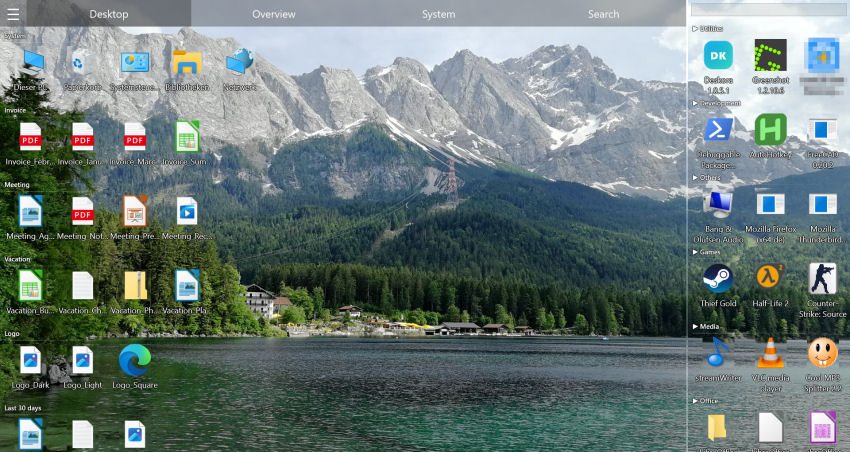
🎨 GPU-powered interface with 3D icons
Rendering through Direct3D 11 for smooth animations and optional 3D icons that can be switched off at any time. In flat mode the desktop looks exactly as you are used to.
🖥️ Desktop replacement mode
Deskora can take over the icon view of the Windows desktop. Your wallpaper stays and Explorer keeps running — what is replaced is the desktop icon view, not the Windows shell.
📊 Installed software overview
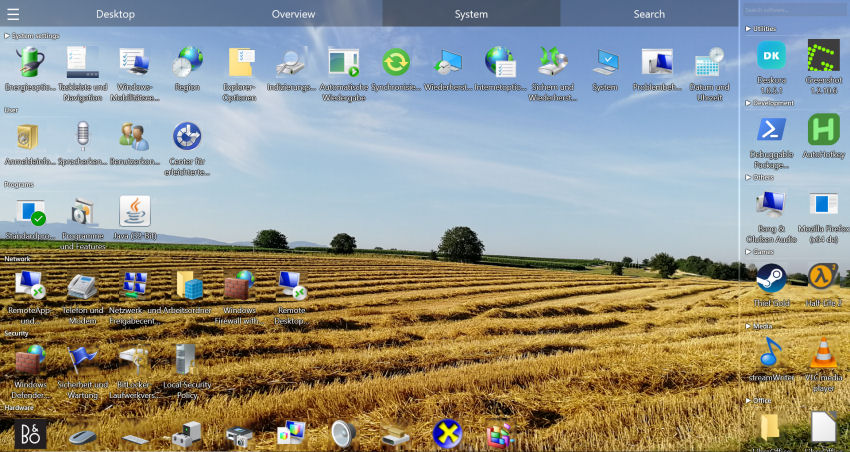
Quickly access the full list of installed programs directly from the desktop — no need to open Windows Settings.
Desktop Organizer Software Comparison 2026
| Criterion | Deskora | Fences | DesktopOK | Rainmeter |
|---|---|---|---|---|
| Price | Free | Paid (subscription or one-time purchase), 30-day trial | Free | Free |
| Automatic classification | ✓ No setup | ✓ Via rules you set up | ✗ | ✗ |
| Instant NTFS search | ✓ | ✗ | ✗ | ✗ |
| Content search | ✓ | ✗ | ✗ | ✗ |
| 3D icons + GPU | ✓ | ✗ | ✗ | ✗ |
| Smart groups | ✓ | ✓ | ✗ | ✗ |
| Real-time detection | ✓ | ✗ | ✗ | ✗ |
Frequently Asked Questions
What is the best free desktop organizer for Windows?
For automatic grouping plus instant search and a software overview in one tool, Deskora is the strongest free option. DesktopOK and Rainmeter are free too but cover only a narrow part of the job.
Is Deskora better than Fences?
It depends on what you are after. Fences 6 also sorts new files automatically, but through areas and rules you set up yourself, and it is paid software (subscription or one-time purchase, 30-day trial). Deskora groups by file type from the first launch with no setup, adds age groups, highlights new files and brings an NTFS search along — for free.
Does it work on Windows 10 and 11?
Yes, both are fully supported (64-bit). It is installed through a standard Windows installer that finishes in under 30 seconds, with no account required. It needs about 50 MB of disk space and 4 GB of RAM is recommended.
Are there hidden costs?
None — no ads, no premium tier, no subscription and no trial that expires. There are no locked features waiting to be unlocked later either: what you see after installing is the complete feature set.
Is Deskora safe? Does it keep my files private?
Yes. Search and organization run locally on your PC, and your files never leave it. Only file types and apps Deskora doesn't recognise yet are assigned once with AI help — based on the extension or program name alone, never file names or contents.
How heavily does Deskora load the machine?
The interface renders through Direct3D 11, which takes load off the CPU, and when you stop interacting Deskora drops into an idle mode where CPU and GPU are only used when something on the desktop changes. The 3D icons can be switched off if you would rather spend the graphics budget elsewhere.
What happens if I uninstall Deskora again?
Windows shows the familiar desktop with its usual icons again, and the original icon positions come back. Because Deskora never moves, renames or deletes anything on disk, every file stays untouched where it was.