Why Files on Windows Are So Hard to Find
Windows search is slow, unreliable, and doesn't search inside documents. When you need a file, you end up scrolling through Explorer for minutes — or just give up.
- Windows search is slow — doesn't index all folders, takes forever
- No content search — only file names, not what's inside
- Files scattered across dozens of folders — no overview
- No smart classification — everything manual
🔍 Any File in Under 1 Second
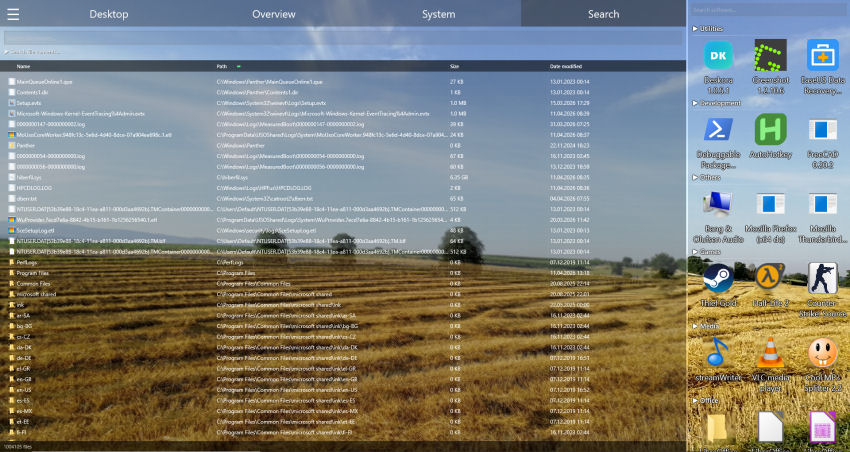
Deskora's NTFS search scans millions of files instantly — including contents.
Download Deskora FreeHow Deskora Organizes Your Files
🔍 Instant NTFS Search
Covers your local hard disks and SSDs through the NTFS index — matches appear as you type, even with millions of files.
📄 Content Search
Searches not just file names but inside documents, PDFs, and text files.
🧠 Intelligent Classification
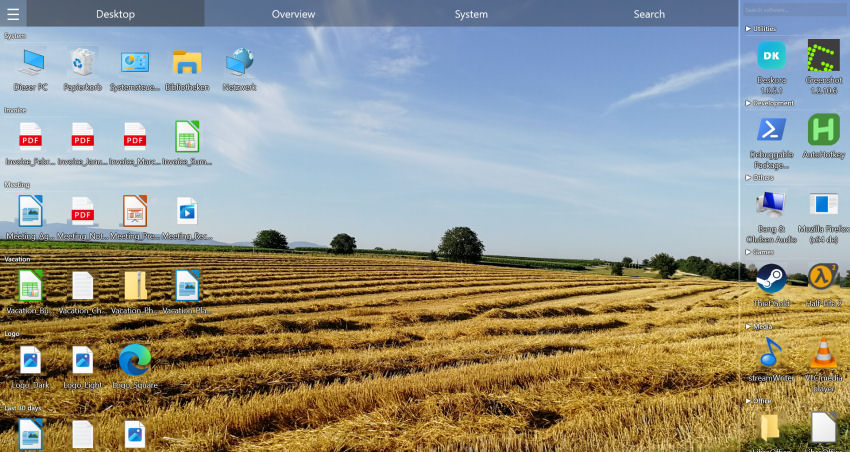
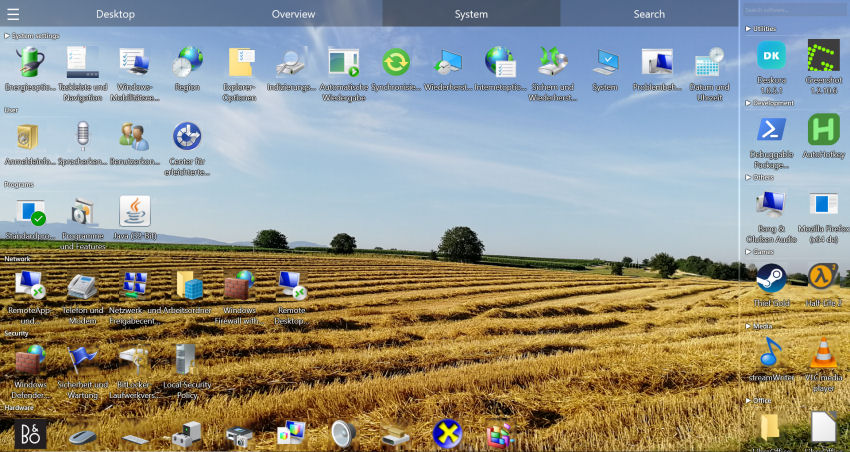
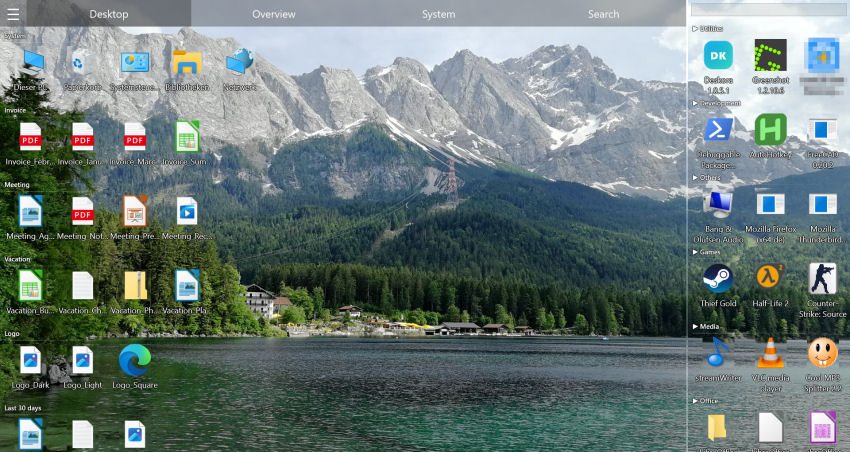
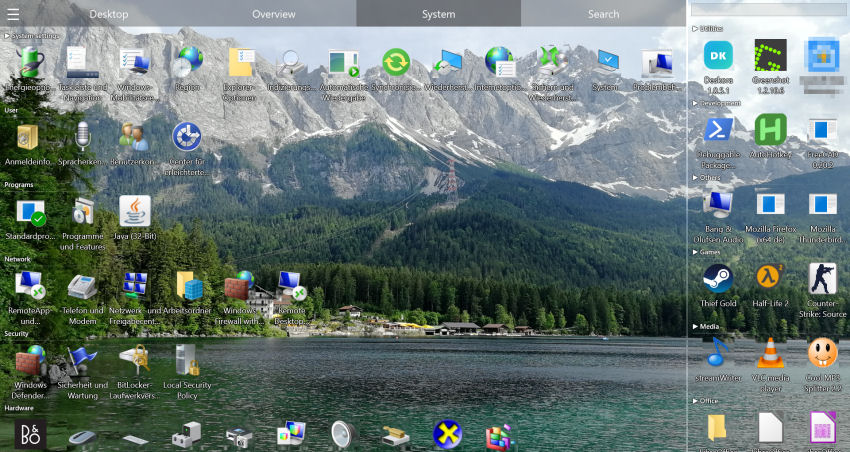
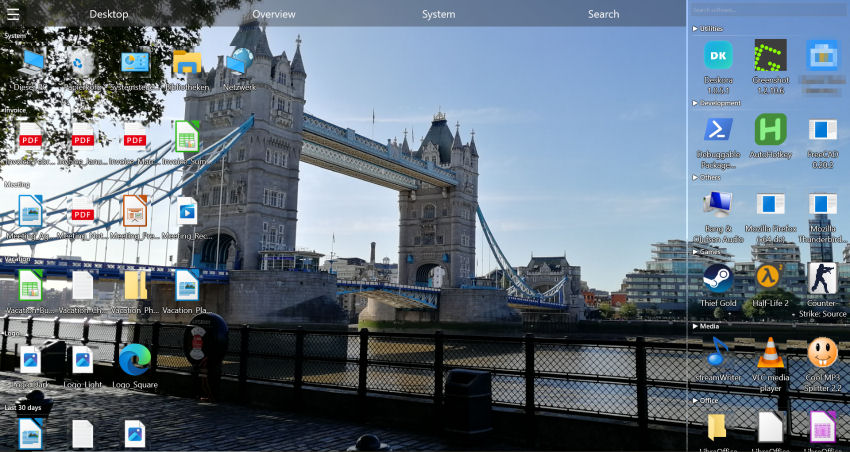
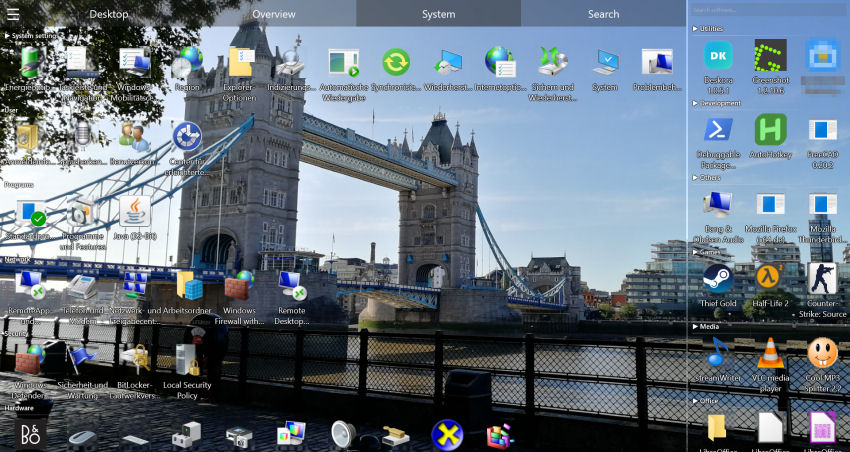
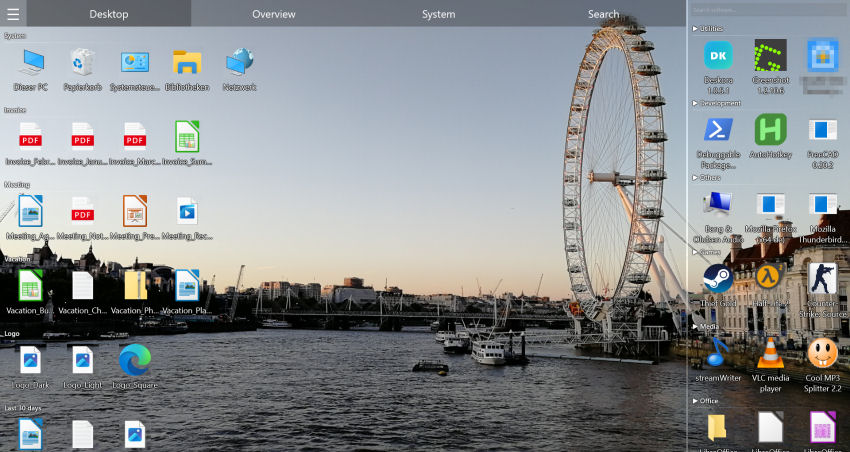
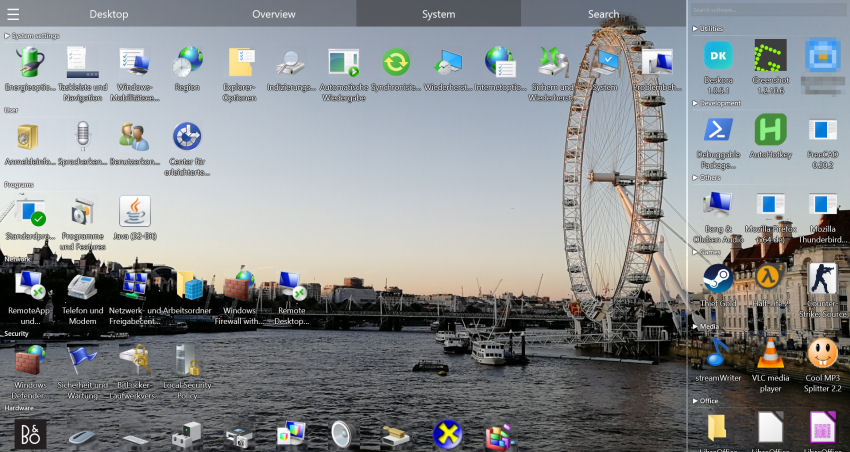
Files are auto-grouped by type: documents, images, code, music, and more.
🔄 Real-Time Tracking
New files are detected and classified automatically.
Organize Files in 3 Steps
- Install Deskora — 30 seconds, no sign-up.
- Use the search — Type a few letters and find everything instantly.
- Use the automatic groups — All files logically sorted on your desktop.
Deskora, Windows Search, Everything and TreeSize compared
"Organizing files" covers three different jobs, and most tools only do one of them: finding a file, seeing where the space went, and keeping new files in order. Here is where the usual suspects land.
| What you need | Deskora | Windows Search | Everything | TreeSize Free |
|---|---|---|---|---|
| Instant search by file name | ✓ MFT-based, sub-second | ✗ Index-dependent | ✓ MFT-based | ✗ Not its job |
| Search inside documents and PDFs | ✓ Optional content search | ✓ Indexed folders only | ✗ Slow, unindexed | ✗ No |
| Groups files on the desktop | ✓ Automatic | ✗ No | ✗ No | ✗ No |
| Sorts new files as they arrive | ✓ Real-time | ✗ No | ✗ No | ✗ No |
| Shows what is eating disk space | ✗ Not its focus | ✗ No | ✗ No | ✓ Yes |
| Price | ✓ Free | ✓ Built in | ✓ Free | ✓ Free edition |
Everything is excellent at what it does and it is not going anywhere — if all you ever need is a name lookup, keep using it. Deskora overlaps on that one row and then keeps going: it also puts the files you just found into groups you can see, and it keeps doing that for every new file. TreeSize answers a different question entirely and pairs well with either.
A filing habit that survives the next 200 downloads
Most "organize your files" advice fails at the same point: it describes a one-time cleanup and assumes discipline will hold. It never does, because the inflow never stops. A structure that actually survives has three properties.
- Shallow beats deep. Two or three folder levels, never seven. Every extra level is a decision you have to repeat for every single file, and decisions are exactly what you skip when you are in a hurry.
-
Sortable names, not clever names.
2026-03-14_invoice_acme.pdfsorts itself for the rest of its life.final_final_v2.pdfdoes not. Put the date first, in ISO order, and the rest takes care of itself. - One inbox, emptied on a schedule. Let downloads land in one place on purpose, then clear that place once a week. Fighting the inbox is pointless; giving it a boundary is not.
Deskora is built around the third point. The desktop is the inbox for most people, so instead of asking you not to use it that way, Deskora groups whatever lands there by type and name pattern and keeps the view readable while you work through it. The rules run locally — no file uploads, no account.
Where sub-second search actually changes the day
The value of instant search is not the milliseconds. It is that a fast enough search replaces the mental bookkeeping of remembering where things are.
- The contract you signed two years ago. You remember the client name and nothing else. A name search across every local drive returns it before you finish typing, including the copy on the external disk you forgot you had.
- The screenshot from last Tuesday. Filter by type and sort by date — no folder archaeology, no scrolling through a thumbnail grid.
- The duplicate you were about to download again. This is the quiet win: when finding is cheap, re-downloading stops happening, and the download folder stops doubling every quarter.
- The phrase you know is in some document. Content search covers the case where the file name tells you nothing — a quoted price, a serial number, a name in a PDF appendix.
Wildcards work throughout, so *.psd or 2025-*_report* narrow
things down without needing an advanced-search dialog.
Frequently Asked Questions
Is it faster than Windows search?
Usually by a wide margin. A small background service reads the Master File Table and the USN change journal of your local hard disks and SSDs, so the index is always current and matches appear while you are still typing. Windows Search, by contrast, is limited to the folders you added to its index beforehand.
Can I search inside PDFs and Office files?
Yes. Content search covers PDF, Word, Excel, PowerPoint and OpenDocument as well as text, source code and CSV files, and a hit tells you the page, sheet or slide. Scanned PDFs without a text layer are left out — those hold a picture of text, not searchable text.
Does it move files?
No. Deskora organizes the display on your desktop — your files stay exactly where they are on the drive and keep their names.
What does Deskora cost?
Nothing. There is no paid edition, no subscription, no advertising and no trial that expires, and no features are locked away to be unlocked later. It installs through a standard Windows installer in under 30 seconds, with no account or registration.
Does Deskora replace Windows Explorer?
No. Deskora sits on the desktop and organizes what is there; Explorer stays exactly as it is. You can keep using both, and files opened from a Deskora group open in the same applications as before.
Can it search network drives and external disks?
What gets indexed are local hard disks and SSDs — the fixed drives — read directly from the file table, which is what makes the search fast. Network drives are not indexed and are therefore not part of the instant search; for shares, Explorer's own search remains the tool for the job.
Will organizing change my folder structure on disk?
No. Grouping affects the view on the desktop only. Nothing is moved, renamed or deleted on the drive — which also means you can uninstall Deskora and every file stays exactly where it was.