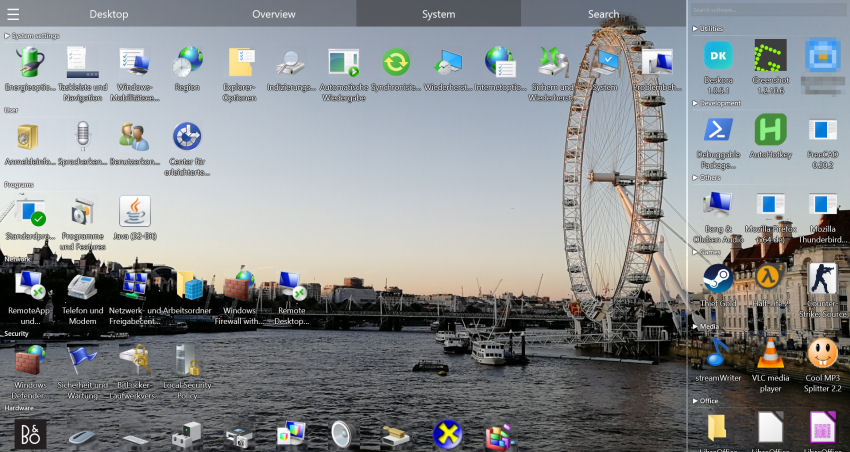
Why the Default Desktop Looks So Boring
The Windows desktop hasn't changed much in years: icons in a rigid grid, no groups, no modern design. People who want to customize often turn to Rainmeter — but that only decorates, it doesn't organize.
- Rigid icon grid — no way to group visually
- No 3D icons — flat, outdated appearance
- Rainmeter only decorates — files stay disorganized
- No GPU rendering — the native desktop doesn't use hardware acceleration
🎨 Beautiful AND Organized
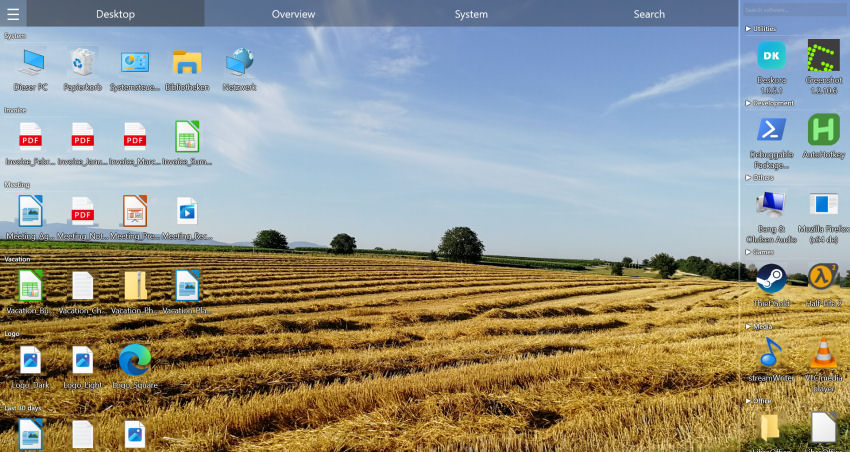
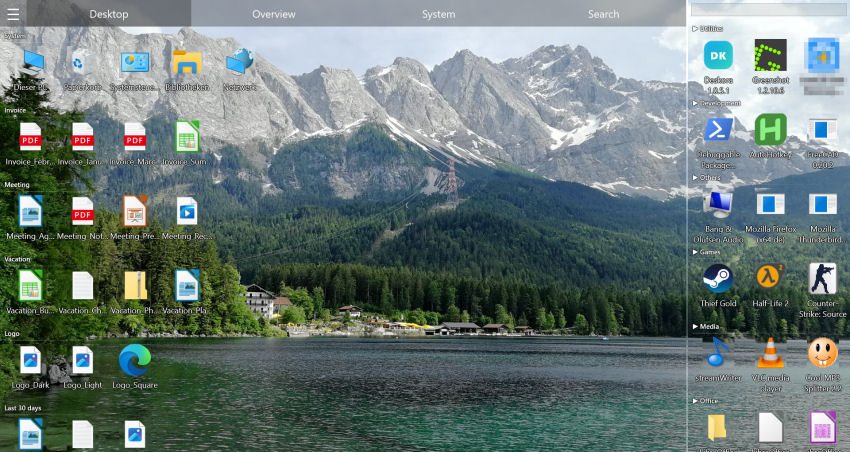
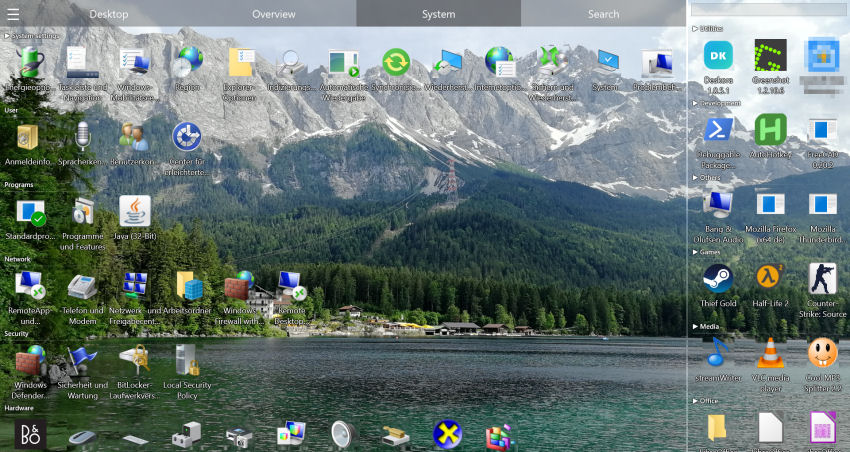
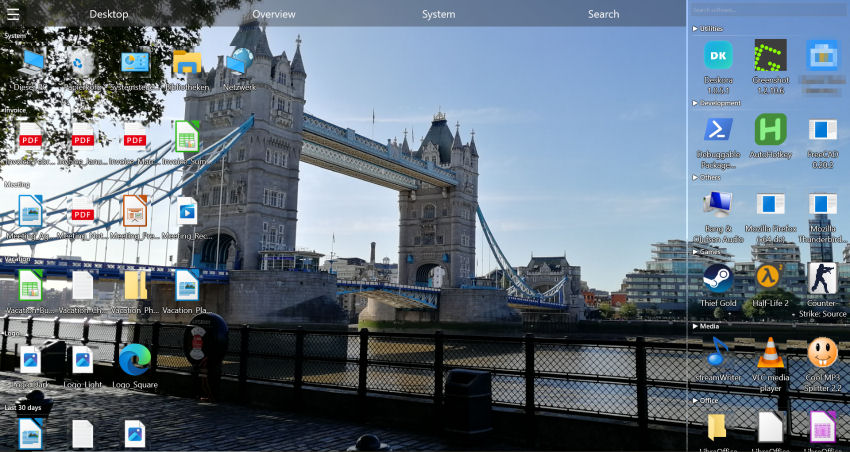
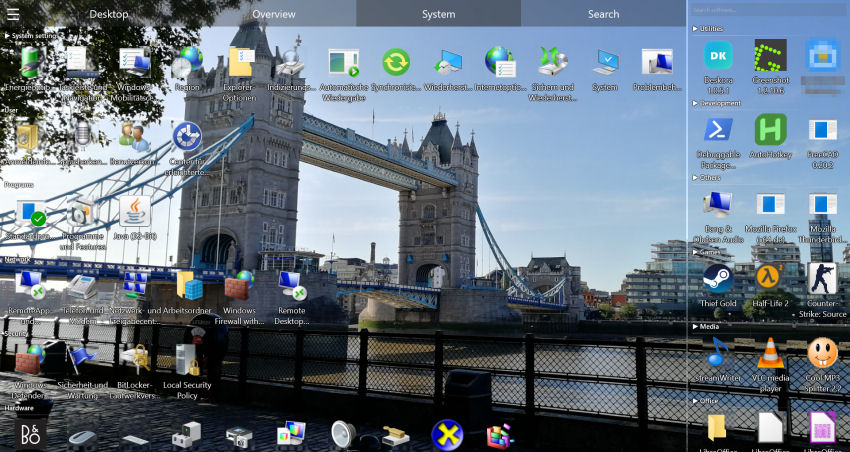
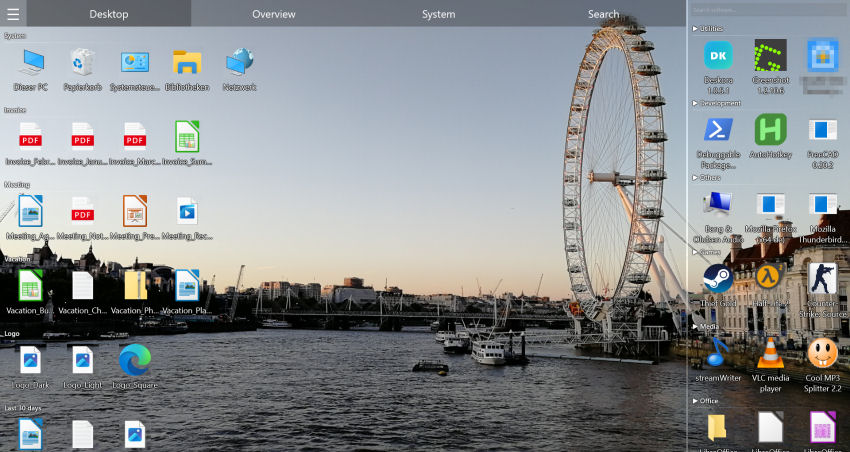
Deskora combines elegant design with real desktop organization.
Download Deskora FreeHow Deskora Makes Your Desktop Unique
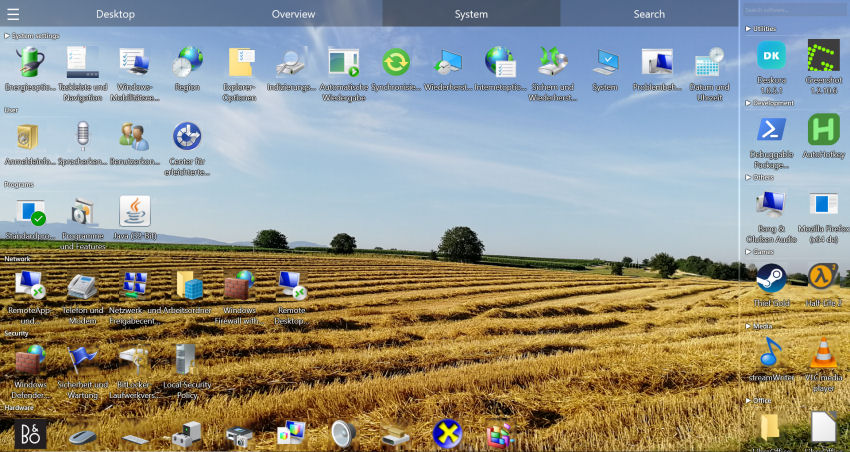
🧊 3D Icons
Sleek three-dimensional display of your files and shortcuts.
🎮 GPU Rendering
Buttery smooth animations and perfect display thanks to hardware acceleration.
📂 Flexible Groups
Create custom groups, rename them, arrange them freely on your desktop.
🧠 Organization + Design
Deskora sorts automatically — you enjoy a desktop that looks great AND works great.
Customize Your Desktop in 3 Steps
- Install — 30 seconds, no account needed.
- Automatic sorting and design kick in — Deskora creates elegant groups with 3D icons.
- Make it yours — Adjust groups, layout, and style to your taste.
Deskora, Fences, Rainmeter and the Windows settings compared
"Customizing the desktop" means very different things depending on who says it. Some people want it to look different, some want it to hold more without becoming unreadable. These tools sit in different places on that line.
| Capability | Deskora | Windows Personalization | Fences | Rainmeter |
|---|---|---|---|---|
| Wallpaper, colours, themes | ✗ Leaves them alone | ✓ Yes | ✗ No | ✓ Via skins |
| Grouped icon containers | ✓ Automatic groups | ✗ No | ✓ Manual fences | ✗ No |
| New files sorted without you | ✓ Rule-based, real-time | ✗ No | ✓ Folder rules | ✗ No |
| GPU-rendered 3D icons | ✓ Direct3D 11 | ✗ No | ✗ No | ✗ No |
| Widgets, meters, system monitors | ✗ No | ✗ No | ✗ No | ✓ Its speciality |
| Price | ✓ Free | ✓ Built in | Paid (subscription or one-time purchase), 30-day trial | ✓ Free |
Rainmeter and Deskora are not competitors — they answer different questions and run together without interfering. Fences is the closest overlap; the practical difference is that fences are containers you draw and maintain, while Deskora derives the grouping from the files themselves and updates it as they change.
What Deskora deliberately does not touch
A customization tool that quietly rewrites system settings is a tool you cannot cleanly remove. Deskora is explicit about its boundaries:
- Your wallpaper stays your wallpaper. Deskora renders on top of it and never replaces it.
- Registry-level theme settings are untouched. Light or dark mode, accent colour and window styling remain Windows' business.
- No shell replacement. Explorer keeps running; Deskora is an additional layer, not a substitute for the shell.
- No files are moved or renamed. Everything visual happens in the view, not on the drive.
The practical consequence: uninstalling gives you the original desktop back, icon positions included. Nothing to undo by hand.
Multi-monitor setups, and why they break most desktops
Two or three screens make the icon problem worse, not better. Windows treats the desktop as one continuous surface, so a resolution change, a docking event or an unplugged monitor can shuffle icons across screens — and the layout you spent an evening arranging is gone.
Deskora keeps a separate layout per display. Each monitor gets its own groups and its own arrangement, and those survive resolution changes and re-docking. A typical setup: the laptop screen holds the current project and its assets, the external monitor holds reference material and long-running tools, and neither one bleeds into the other.
If you also want the visual side, the 3D icon rendering runs through Direct3D 11 and can be turned down or off entirely on machines where you would rather spend the GPU budget elsewhere. On integrated graphics the flat mode looks identical to a normal desktop and costs effectively nothing.
Frequently Asked Questions
Is Deskora as customizable as Rainmeter?
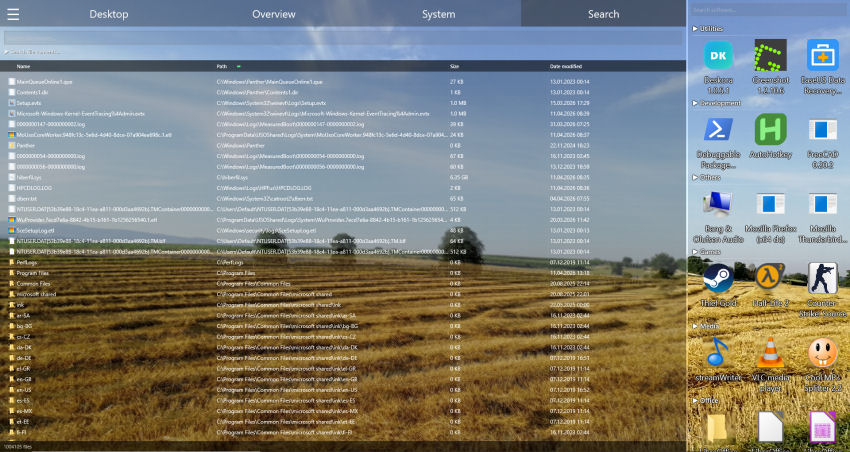
Not for widgets and skins — Rainmeter has near-unlimited freedom there, and Deskora offers no widgets at all. For desktop organization it is the other way round: custom groups, automatic sorting by type and a built-in search are things Rainmeter does not have. The two run side by side without conflict.
Can I create custom groups?
Yes, as many as you want, with names you choose, and you can drag files between them with multi-select. The automatic grouping by type is the starting point, not a cage — rename a group, move files out of it, or build your own from scratch.
How do the 3D icons look, and can they be turned off?
Rendering has a depth effect and runs through Direct3D 11, alongside a light/dark theme, a choosable accent colour and a contrast slider. The 3D view is optional: in flat mode the desktop looks exactly as you are used to, and the grouping stays exactly as it was.
Do my wallpaper and Windows theme stay intact?
Yes. Deskora draws on top of your wallpaper and never replaces it, and Windows' own theme settings — light or dark, accent colour, window styling — remain untouched in the registry. Explorer also keeps running: Deskora replaces the desktop icon view, not the Windows shell.
Do the 3D icons need a dedicated graphics card?
No. Rendering runs on Direct3D 11, which every GPU since roughly 2010 supports, including integrated Intel and AMD graphics. On weaker machines you can switch to flat rendering and keep the grouping.
Can I set different layouts for each monitor?
Yes. Groups and positions are stored per display and are restored after a resolution change or re-docking, which is where plain Windows tends to reshuffle everything.
Will my customization survive a Windows feature update?
Layouts and groups live in Deskora's own configuration, not in the Windows icon cache, so a feature update does not reset them. That is also the main practical difference to arranging icons by hand.