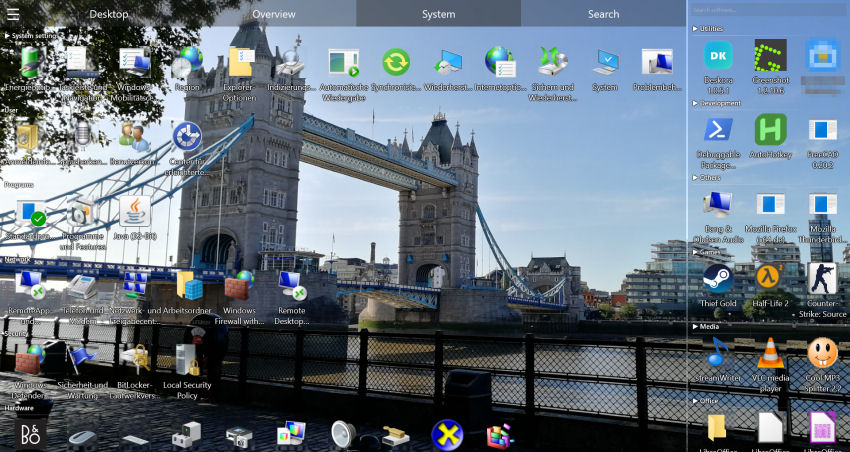
Why your desktop never stays clean
Everyone knows the drill: you promise to keep your desktop tidy, and two weeks later 80 icons are scattered everywhere again. The problem usually isn't discipline — it's that nothing cleans up automatically:
- Manual cleanup never lasts — you're back to chaos within days.
- Windows has no auto-sorting — only name, size and date.
- New files always land unsorted — every download makes it worse.
- Desktop folders aren't the answer — they just move the problem out of sight.
From chaos to clarity: the quick cleanup checklist
Before automating, here is a fast manual reset that takes a couple of minutes:
- Delete what you don't need — old installers, duplicate screenshots, one-off downloads.
- Move files to real folders — Documents, Pictures, Projects, instead of leaving them on the desktop.
- Clear finished shortcuts — remove links to apps and files you no longer use.
- Empty the Recycle Bin to reclaim the space.
This gives you a clean slate — but it won't stay clean on its own. That's where automatic organisation comes in.
🧹 Let Deskora do the cleaning
Deskora keeps your desktop permanently tidy — without you lifting a finger.
Download Deskora FreeHow Deskora keeps your desktop clean
🗂️ Sorts files by type
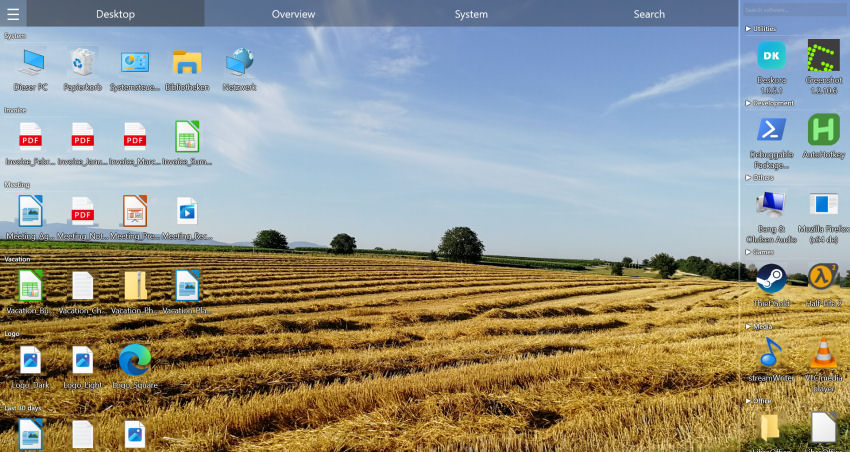
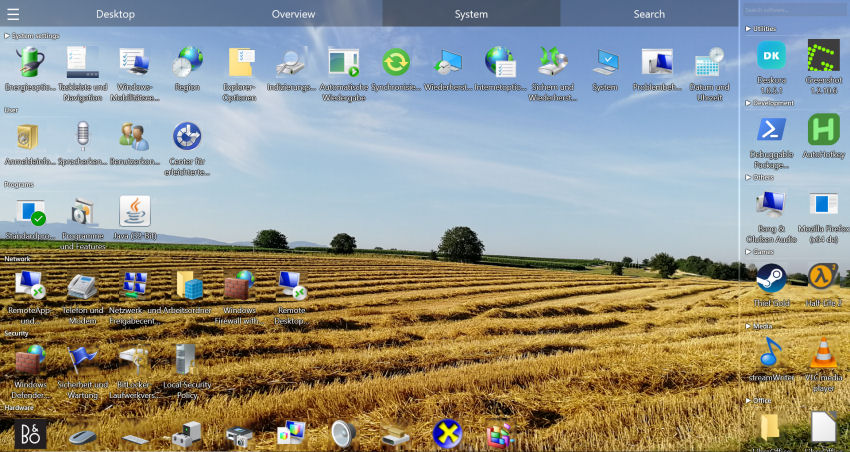
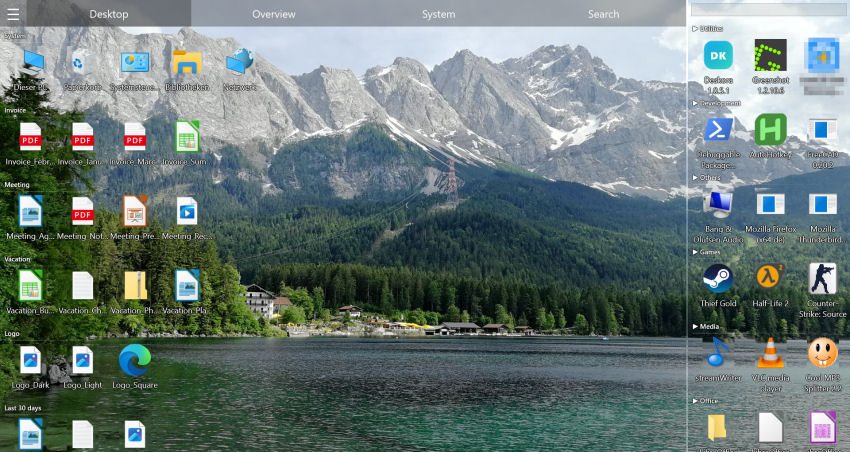
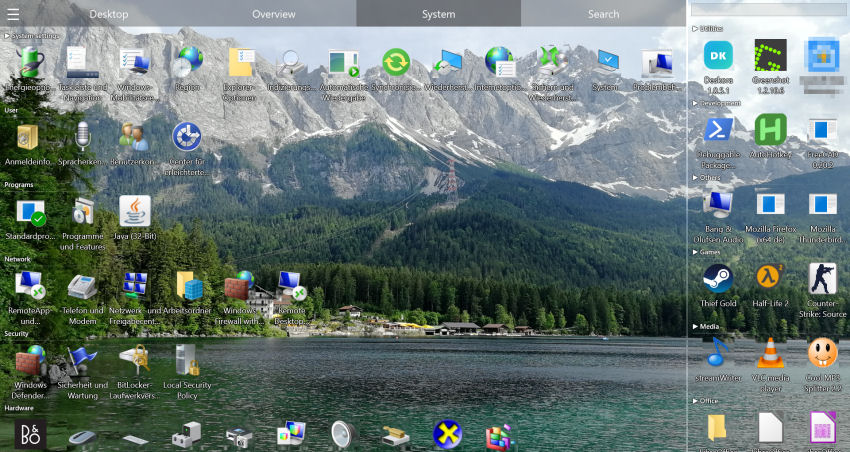
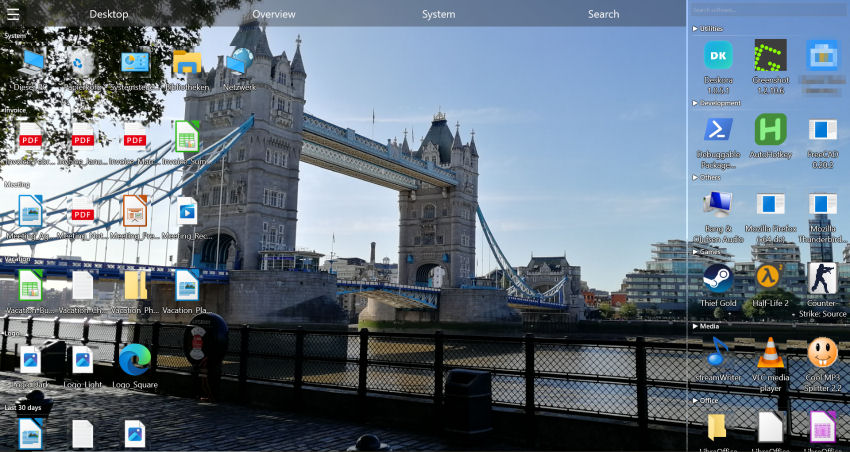
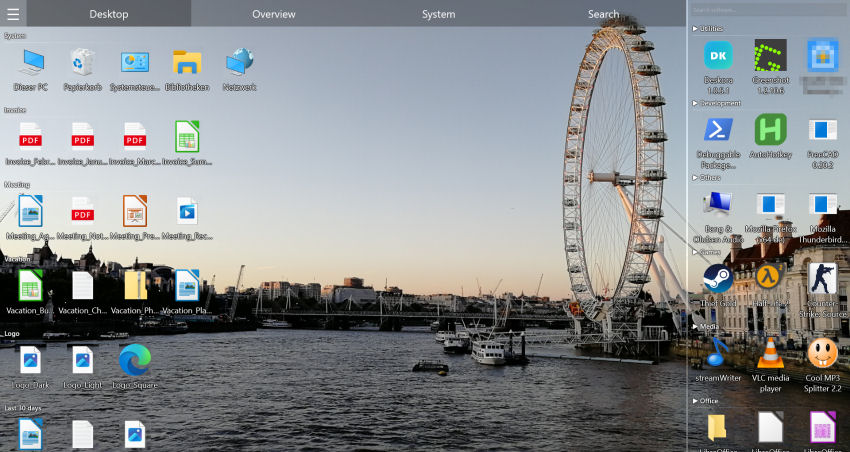
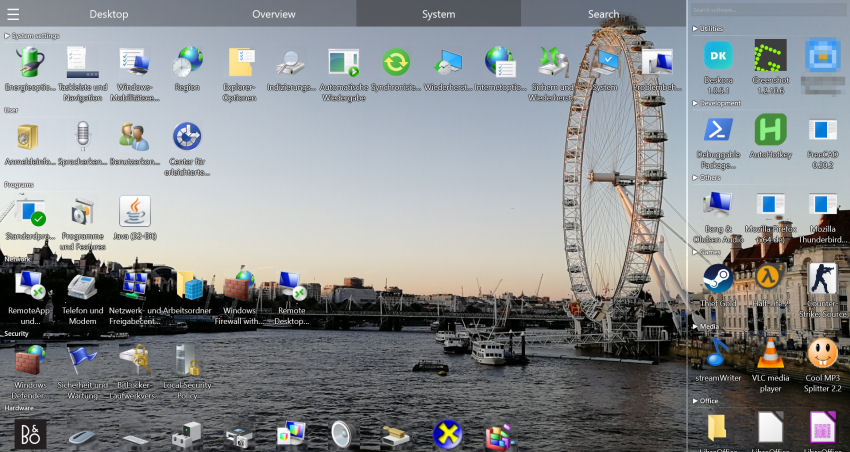
Deskora analyses every file by name and type and groups it logically — documents, media, code, archives, shortcuts — so the clutter turns into clear groups.
🔄 Stays clean automatically
New files are detected in real time and placed into the right group, so you never have to re-sort by hand.
🔍 Find anything instantly
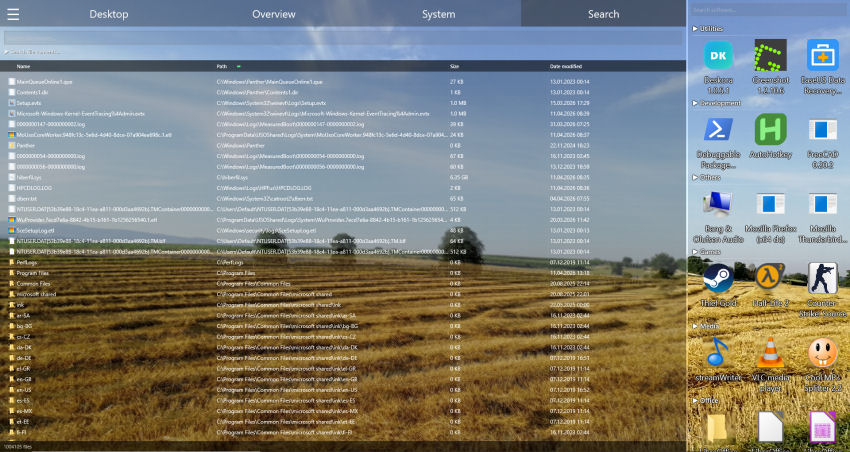
The NTFS search finds any file in seconds — by name with wildcards, or optionally inside file contents.
💤 Light background mode
Deskora renders with Direct3D 11 and drops into an idle mode when you stop interacting, so CPU and GPU are only used when something on the desktop actually changes.
Clean desktop in 3 steps
- Download Deskora — 30 seconds, no account, no subscription.
- Let it sort automatically — Deskora scans and groups your icons in seconds.
- Sit back — your desktop stays clean from now on.
When Your Desktop Becomes a Dumping Ground
It happens gradually: a download here, a screenshot there. Eventually your desktop is so packed you can't even see the wallpaper. And the worst part: you can't find anything.
- Hundreds of icons on the desktop — completely unmanageable
- Important files get buried — hidden in the sea of icons
- Time wasted daily — minutes spent searching for files
- Manual cleanup only lasts a few days — then it's full again
How Deskora Rescues Your Overloaded Desktop
🧠 Instant Automatic Sorting
Deskora analyzes all icons and creates logical groups — no matter how many there are.
🔍 Find Everything Instantly
NTFS search finds any file on your local hard disks and SSDs, with matches appearing as you type.
🔄 Never Overloaded Again
New files are detected in real-time and sorted automatically.
🖥️ Desktop Replacement Mode
Deskora can take over the icon view of the Windows desktop — your wallpaper stays and Explorer keeps running.
From Chaos to Order in 2 Minutes
- Download — 30-second install.
- Deskora sorts everything — Hundreds of icons grouped automatically.
- Breathe — Your desktop is usable again.
How a clean desktop compares to the usual alternatives
There are three common answers to a cluttered desktop: hide it, fence it, or sort it. They are not equally durable.
| Approach | Effort now | Still clean in 3 months | Files still findable |
|---|---|---|---|
| Move everything into one "Desktop old" folder | ✓ Two minutes | ✗ No — refills immediately | ✗ Buried |
| Hide desktop icons entirely | ✓ One click | ✓ Looks clean | ✗ Out of sight, still there |
| Draw containers manually | ✗ Ongoing upkeep | ✓ If you maintain it | ✓ Yes |
| Automatic grouping (Deskora) | ✓ One-time setup | ✓ Yes, unattended | ✓ Plus instant search |
Hiding icons is the honest cheat: the desktop looks perfect and the problem is unchanged. It is a reasonable choice if you never use the desktop as a workspace — and a poor one if you do.
Frequently Asked Questions
How do I keep my Windows desktop clean permanently?
Use an organizer that sorts automatically. Deskora groups your icons and detects new files in real time, so the desktop stays tidy without manual cleanup.
Does Deskora move or delete my files?
Neither. Deskora only organises how things are displayed on the desktop; nothing on disk is moved, renamed or deleted. The groups are a view onto your files, not a change to your folder structure.
What happens with new downloads?
New files are detected in real time and sorted into the right group automatically. They also land in the "New" group and are highlighted so a fresh download does not disappear into the pile; later on it moves into the age groups.
Is it really free?
Yes, 100% — no ads, no subscription, no paid edition and no trial that expires. Deskora runs on Windows 10 and Windows 11 (64-bit) and is set up through a standard Windows installer in under 30 seconds, without an account or registration.
What if I want to undo everything?
Close Deskora and the familiar Windows desktop is back immediately. After uninstalling, the original icon positions return as well — because no file was ever moved, there is nothing to rebuild by hand.
Should I just hide all desktop icons instead?
That works if the desktop is only a backdrop for you. If you actually drop files there during the day, hiding icons removes the visual mess but also removes the fastest access path you have — grouping keeps both.
How long does the first cleanup take on a very full desktop?
The initial scan and grouping runs in seconds even with several hundred icons, because file names and types are read directly rather than through a slow enumeration. 500 icons and more are not a special case either; after that each new file is added individually, with nothing to recompute.