Why AI file organizers often ask for too much
Now that chatbots like Gemini, ChatGPT and Copilot are part of everyday life, the idea is obvious: let AI sort out the Downloads folder and the desktop too. Most of the approaches going around share the same catch:
- Pasting file lists into a chatbot. Copying your folder structure into a chat window hands over file names – and those reveal more than you think: client names, diagnoses, payslips.
- Cloud organizers that analyse content. Some services read documents and images to "understand" them. That only works if the content is processed on someone else's servers.
- Scripts written by a language model. A generated PowerShell script that moves files is quick to run – and just as quick to get wrong. One bad pattern and hundreds of files end up in the wrong folder.
- One-off clean-ups. The next mess starts right after the last clean-up: new downloads pile up again and the whole routine starts over.
Getting organised rarely needs a large language model. It needs reliable classification that keeps running – and AI exactly where fixed rules run out.
🧠 Order that lasts
Deskora sorts continuously and locally – new files land in the right group automatically.
Download Deskora for freeHow Deskora sorts your files
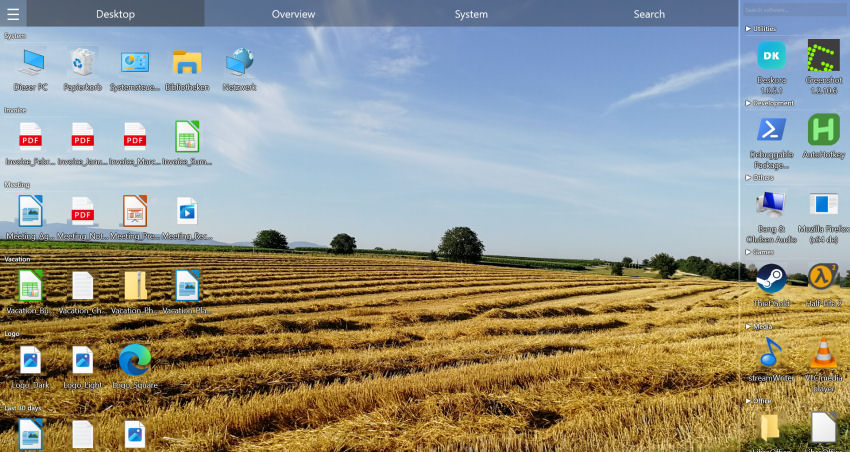
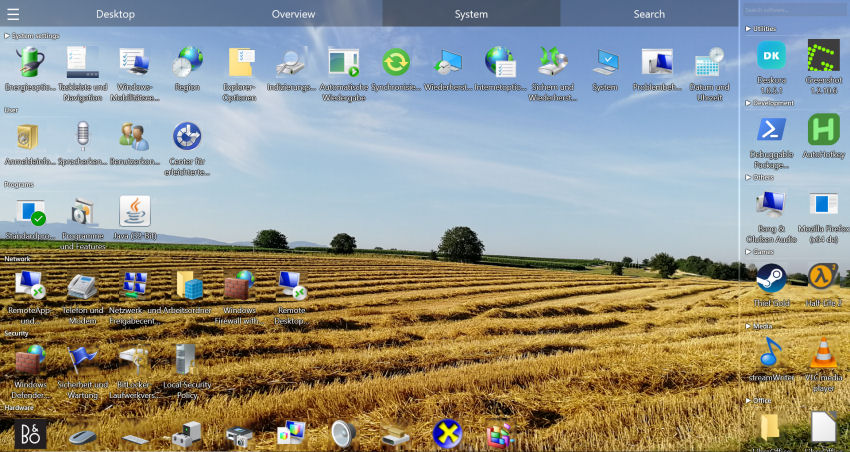
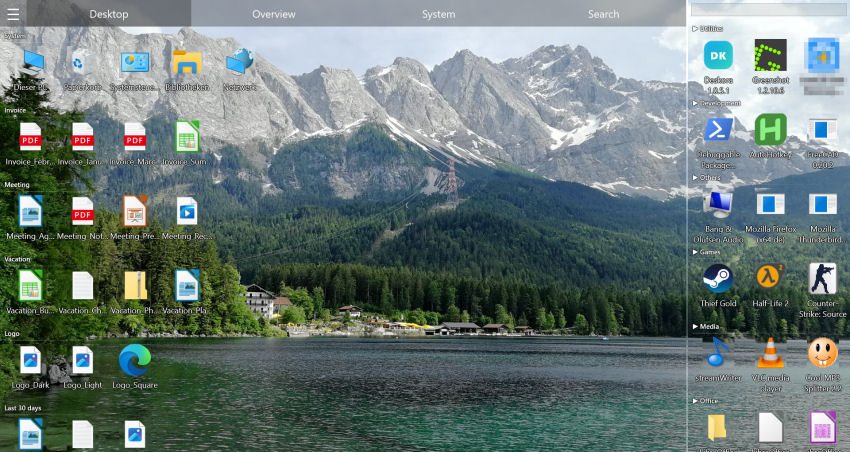
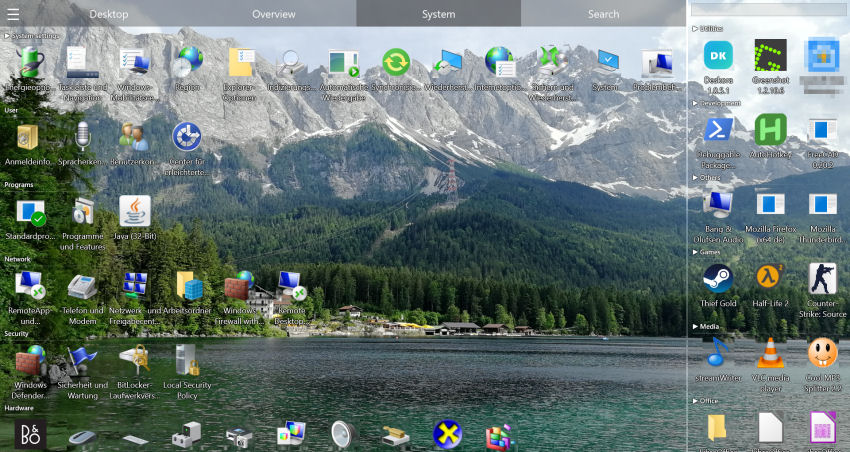
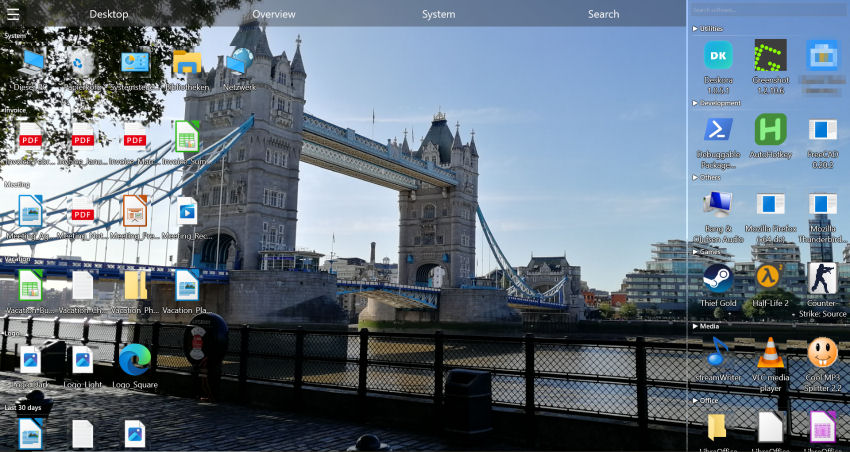
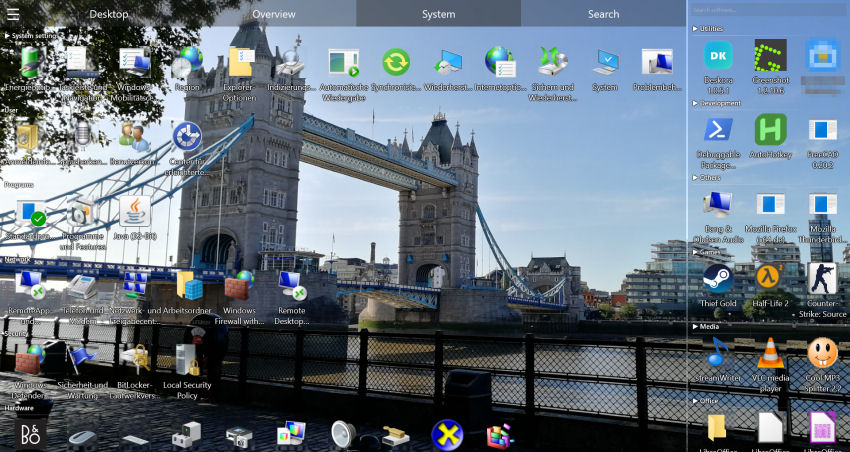
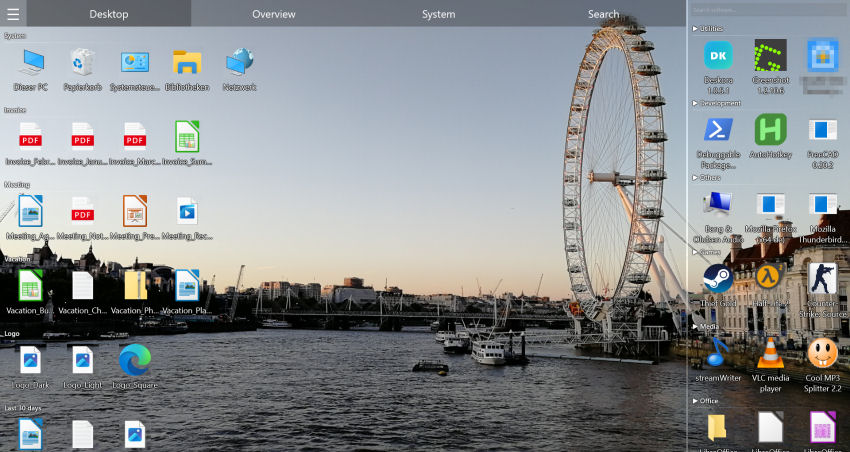
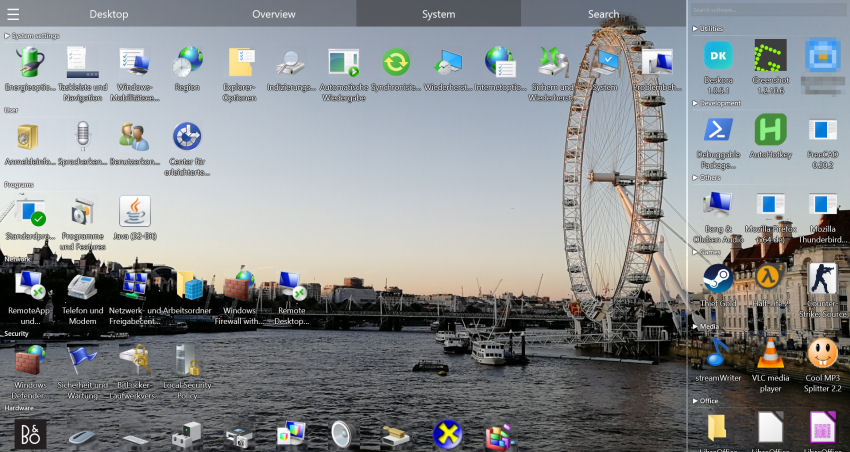
Deskora arranges files on your desktop and across your PC into groups such as Documents, Pictures, Videos, Music, Archives, Development or Programs. It works in stages, and the first ones run entirely on your machine.
🗂️ Stage 1: Windows metadata
For known file types Deskora uses what Windows already knows: extension, associated program, type description. A PDF becomes a document, an MP4 a video – locally, in milliseconds.
🧩 Stage 2: groups from file names
Deskora recognises related files by their names: Invoice_2026_03.pdf, Invoice_2026_04.pdf and the scans next to them form one cluster without you writing a rule. This also happens on your PC.
🤖 Stage 3: AI only for the unknown
If a file extension or installed program remains unknown, Deskora asks a server once, which picks the right group with an AI language model. The answer is cached so the same extension never has to be asked about again.
📊 By usage and age
Frequently used programs move to the front, new files are highlighted, older ones grouped by age. What matters stays visible without anything being deleted or moved.
🔄 Always running
New files are detected live and sorted immediately. No script to re-run, no clean-up session at the end of the month.
🛟 Nothing gets moved
Deskora organises the view, not your folder structure. Files stay where they are, so shortcuts, programs and scripts that rely on fixed paths keep working.
What goes to the AI – and what never does
Anyone who puts "AI" on a page owes a precise answer. The full details are in the privacy policy; here are the essentials.
| Sent when something is unknown | Never sent |
|---|---|
| For file types: the extension plus associated program, type description and icon file from the Windows registry | File names |
For programs: the application name and the executable's file name, for example firefox.exe | File and folder paths, file contents |
| The only thing that comes back is a group label, for example "Music" or "Games" | User name, email address, device or hardware ID |
- Rarely, not constantly. Only what Deskora does not know yet is looked up – in practice mostly right after installation and when you install new software.
- Works offline too. Without a connection the lookup is skipped; affected entries go to the "Other" group and everything else works as usual.
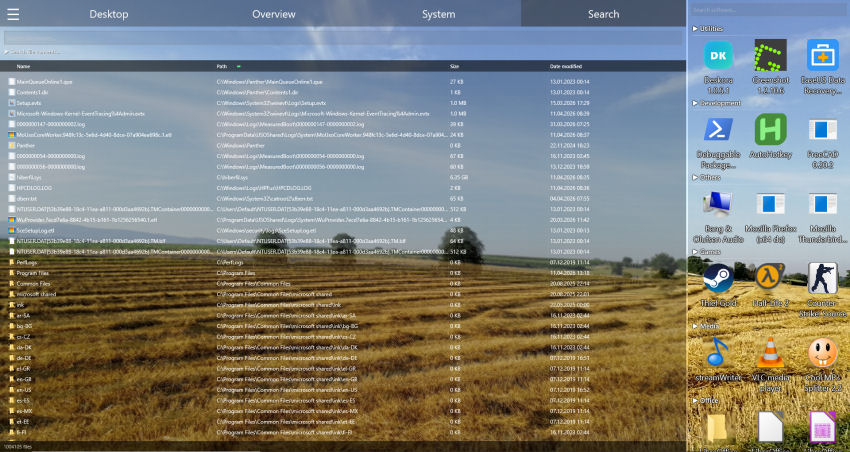
- Search and history are never involved. File search, full-text document search and activity recording never send anything to a server.
Three steps to a sorted PC
- Download and install Deskora – no account, no registration.
- On first start Deskora picks up your desktop, drives and installed programs and assigns them to groups.
- Browse the groups and adjust icon size and sorting rules to taste – from then on Deskora sorts new files by itself.
Where it helps most
The overflowing Downloads folder
Installers, PDFs, images and ZIP archives all mixed up. Deskora shows them separated by kind and highlights what is new – the rest can be cleared away at your own pace.
The desktop as an inbox
If everything goes "just for now" onto the desktop, you have a hundred icons after a month. Deskora groups them automatically instead of you dragging boxes around by hand.
Lots of installed software
Browsers, developer tools, graphics, games: Deskora assigns installed software to categories and orders it by how often you actually use it.
Frequently asked questions
Can I organize files with AI without uploading them?
Yes. Deskora sorts files locally using Windows metadata and file names. An AI language model is only consulted for unknown file extensions and programs, and no file names, paths or contents are sent to the server.
Which AI model is behind it?
The rare lookups for unknown entries go to the Deskora server and are forwarded from there to the OpenAI API. Legal basis and retention period are described in the privacy policy.
Does Deskora move or delete my files?
No. Deskora arranges the view into groups; the files themselves stay where they are. You can still move or delete them yourself, for example by drag and drop or through the normal context menu.
Does sorting work offline?
Yes. Known file types and name-based groups are assigned entirely locally. Only entries Deskora does not know yet go to the "Other" group while there is no internet connection.
Is this an alternative to Copilot or Gemini?
Not as a chatbot. Deskora does not answer questions or write text; it keeps your desktop and files organised and searchable for good. For that one job, though, it is more reliable and shares far less data than a general-purpose assistant.
How much does Deskora cost?
Nothing. Deskora is free, with no subscription, no account and no ads, and runs on Windows 10 and Windows 11 (64-bit).
What the groups look like day to day is shown in the guide to organizing files on Windows. If you are after one specific file rather than an overview, the Windows Search alternative finds it.
🧠 Sorted, not uploaded
Free, no account – your file names and contents stay on your PC.
Download Deskora for free