Why the Downloads folder always ends up a mess
Hardly any folder grows so unnoticed. It is not a lack of discipline – it is how the folder gets used:
- Everything lands there automatically. Browsers, mail apps and messengers save to the same folder without asking.
- File names say nothing.
document(3).pdf,IMG_20260812.jpg,setup_x64.exe– after a week nobody knows what is what. - Duplicate downloads. If you cannot find a file, you download it again. The result:
Invoice (1).pdfthroughInvoice (4).pdf. - Installers pile up. After installation the setup file is no longer needed but often takes hundreds of megabytes.
- Extracted archives. The ZIP and its extracted folder sit side by side – twice the space.
Emptying the whole folder once a year is risky: between the installers sits the contract you still need.
📥 Clean up with an overview
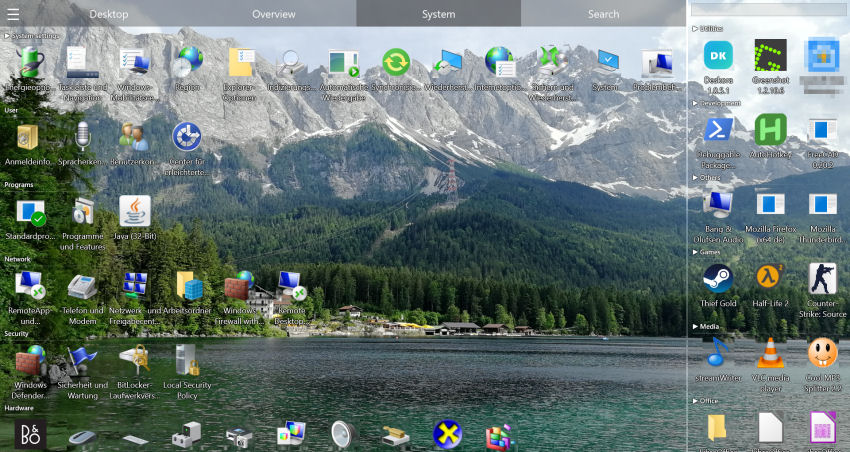
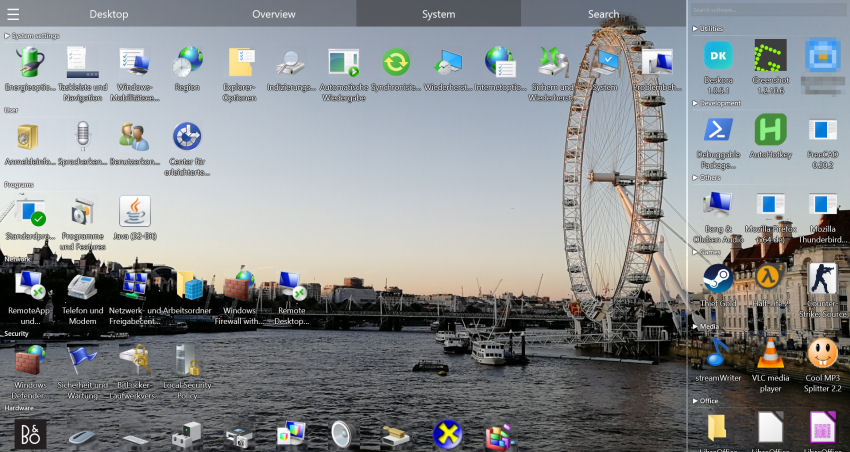
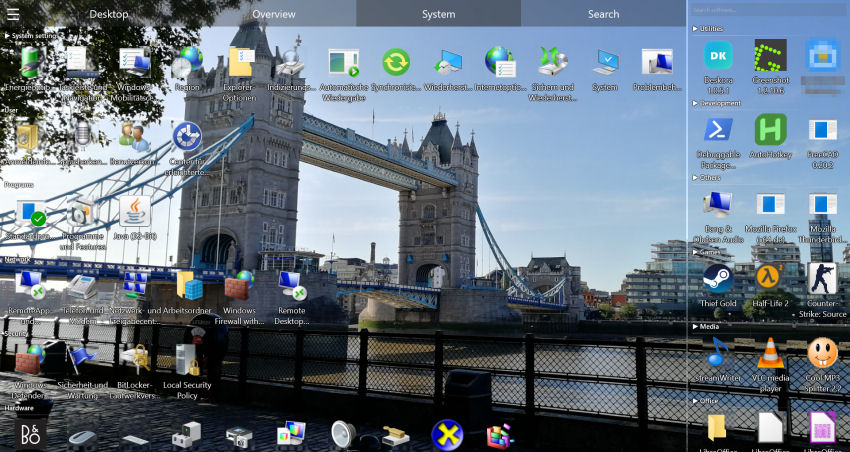
Deskora separates the downloads that matter from the clutter – before you delete anything.
Download Deskora for freeWhat Deskora does for your Downloads folder
🗂️ Sorted by type
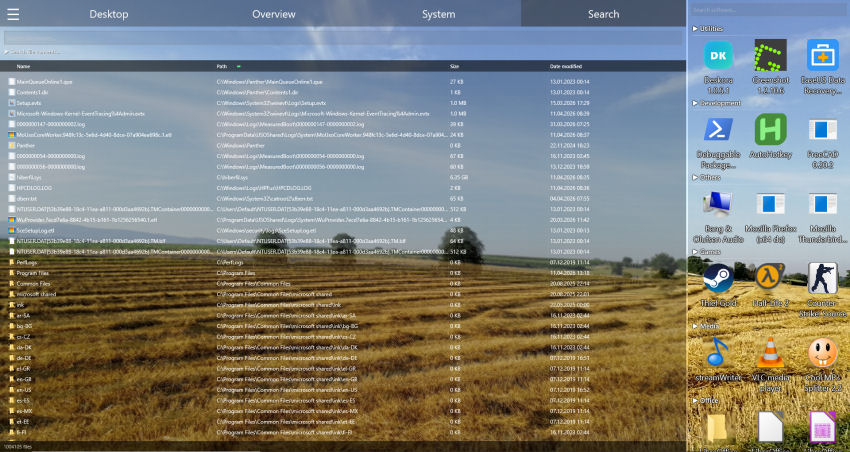
The overview shows documents, images, videos, music, archives and programs in separate groups, and the path filter narrows any list to the Downloads folder. Related files with similar names are clustered automatically.
🆕 New on top, old by age
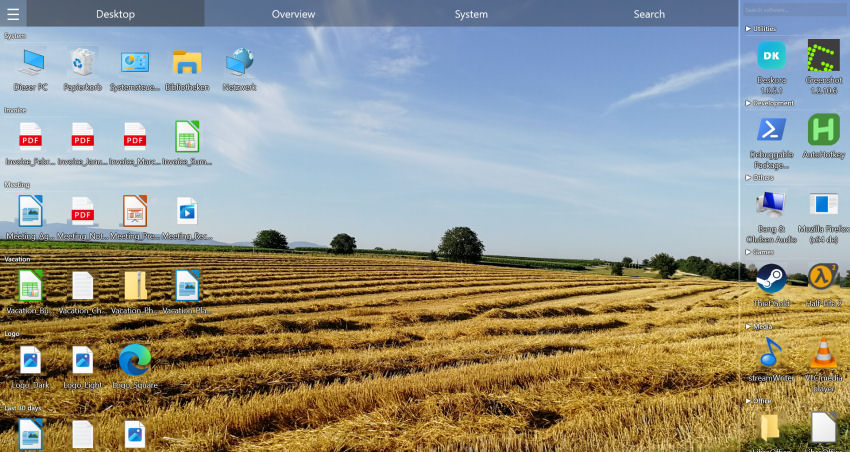
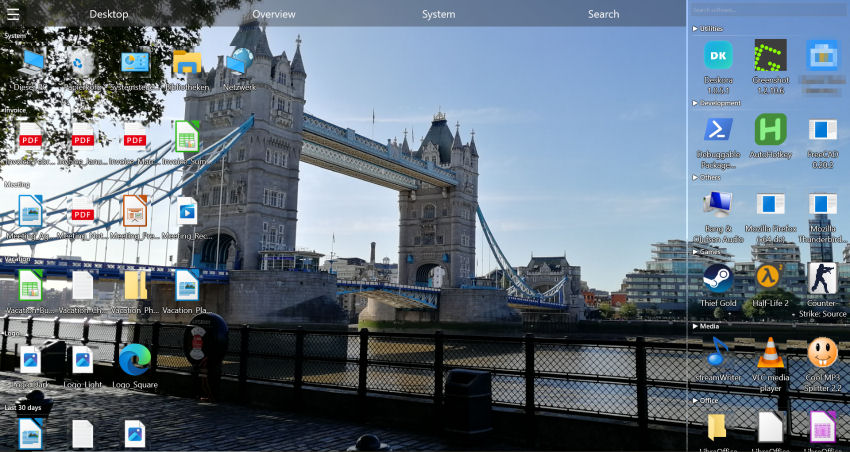
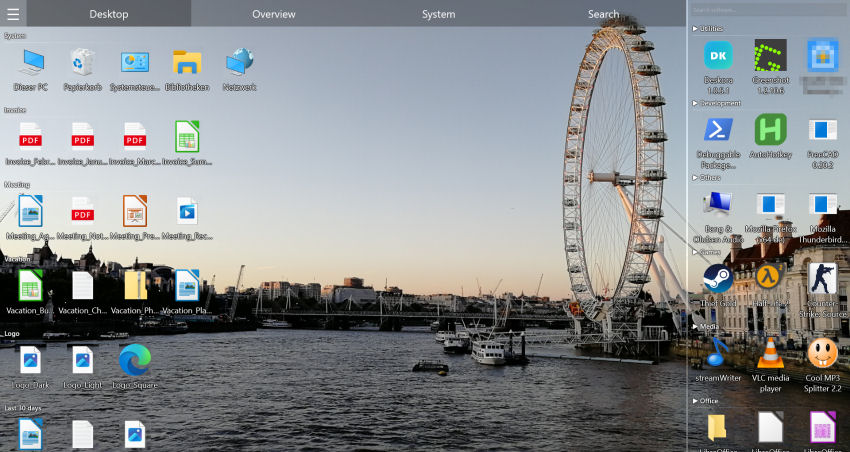
If you keep downloads on the desktop, new files are highlighted and older ones move into age groups. In search you can sort the Downloads folder by date and instantly see what has been sitting there unused for months.
🧹 Old installers as suggestions
The Storage tab lists old installers in the Downloads folder as a cleanup suggestion, with a total of the space you would free. Documents and images are never suggested there.
👯 Spot duplicate downloads
The duplicate finder detects identical files even when they are called (1), (2) or something else entirely – it checks the content, not the name.
📅 Find downloads by day
In the Timeline tab you can filter a period to "downloaded". "That PDF from last Thursday" becomes a matter of seconds.
🔍 Search inside files
When all you remember is a customer number: full-text search finds text in PDF, Word, Excel and PowerPoint files – even in document(3).pdf.
Clean up the Downloads folder in six steps
- Install Deskora and, in the Search tab, use the path filter to narrow results to your Downloads folder – sort them by type, size and date.
- In the Storage tab, review the cleanup suggestions and move old installers to the Recycle Bin.
- Run the duplicate finder and remove surplus copies – keep the newest or best-named file.
- Check archives: if a ZIP has already been extracted, one of the two versions is usually enough.
- Drag important documents such as invoices and contracts into their permanent folders.
- Sort the list by date: anything over a year old that you no longer need is a good candidate for the Recycle Bin.
After that it stays manageable, because Deskora detects new downloads immediately and shows them in the timeline and in search.
Tips to keep it from filling up again
- Turn on "Ask where to save each file" in your browser – for anything you want to keep.
- Delete installers right after installing. The manufacturer has a newer version anyway.
- Once a month, go through the last few weeks of downloads in the Timeline tab. Five minutes is enough while there are only a few files.
- Use Storage Sense with care. It can delete downloads automatically after a set time – but that also hits documents you still need.
Which files in Downloads can go
The file extension usually tells you whether a file is still needed. This overview helps you decide:
| Extension | What it is | Recommendation |
|---|---|---|
| .exe, .msi, .msix | Installers and setup programs | Delete after installing; newer versions are on the vendor's site |
| .zip, .7z, .rar | Archives | Delete once the contents are extracted and checked |
| .iso, .img | Disk images, often several gigabytes | Delete after use or move to an external drive |
| .crdownload, .part, .partial | Interrupted or running downloads | Delete when no download is in progress |
| .pdf, .docx, .xlsx | Invoices, contracts, forms | Check and move into the right documents folder |
| .jpg, .png, .heic, .mp4 | Photos and videos, often from messengers | Remove duplicates, move keepers to Pictures or Videos |
| .torrent, .ics, .vcf | Small helper files | Delete after opening or importing |
Download settings in Edge, Chrome and Firefox
The best clean-up day is the one you never need. All major browsers let you control where and how files are saved:
- Microsoft Edge: Settings › Downloads › "Ask me what to do with each download" / "Ask where to save each file".
- Google Chrome: Settings › Downloads › "Ask where to save each file before downloading".
- Mozilla Firefox: Settings › General › Downloads › "Always ask you where to save files".
If the prompt feels like a chore, leave it off and instead go through the last few days of downloads in Deskora's Timeline tab once a week.
Moving the Downloads folder to another drive
If C: is a small SSD, it pays to move the whole folder to a bigger drive:
- In File Explorer, right-click "Downloads" and choose "Properties".
- On the "Location" tab click "Move" and pick a folder on the target drive, for example
D:\Downloads. - Confirm when asked whether existing files should be moved as well.
Browsers and programs that use the default folder then save to the new location automatically. Deskora finds the files there just the same, because it indexes every local NTFS drive.
A simple folder structure for what stays
A clean-up only lasts if every file has a destination. A lean structure is enough for most people:
- Documents › Finances – invoices, statements, taxes, one subfolder per year.
- Documents › Contracts – rent, insurance, work.
- Documents › Manuals – instructions and data sheets.
- Pictures › Year – photos you want to keep.
- Software – only installers you deliberately need to keep, such as licensed versions without a download portal.
Everything else you will find through search or the timeline anyway – with Deskora a perfect filing system is not required.
Last updated: September 2026.
Frequently asked questions
Can I just delete the entire Downloads folder?
Technically yes, but it is rarely a good idea. Invoices, contracts or photos often hide between installers and archives. Sort by type first, remove installers and duplicates, then file away what matters.
Does Deskora delete files automatically?
No. Deskora arranges the view and makes suggestions. Only what you confirm is deleted, and only ever to the Recycle Bin.
How do I find a file I downloaded a few days ago?
Pick the period in the Timeline tab and filter to "downloaded". Deskora recognises files from the internet by the same marker Windows itself uses and shows the file name, path and time.
Does Deskora find duplicates with different names?
Yes. The duplicate finder compares size and content checksums; the file name does not matter.
Does Deskora move the Downloads folder?
No. The folder and its files stay where they are, and browsers and apps keep saving to the same place.
What are .crdownload or .part files?
They are incomplete downloads from Chrome, Edge or Firefox. If no download is running any more, they are useless and can be deleted.
Can I move the Downloads folder to D:?
Yes. On the "Location" tab of the folder's properties you can set a new location; Windows moves the existing files along if you want.
How much does Deskora cost?
Nothing. Deskora is free, with no subscription, no account and no ads, and runs on Windows 10 and Windows 11 (64-bit).
More on saving space is in free up disk space on Windows 11, and how Deskora organises files in general is shown in organizing files on Windows.
📥 No more download chaos
Free, no account – ordered by type, date and day.
Download Deskora for free