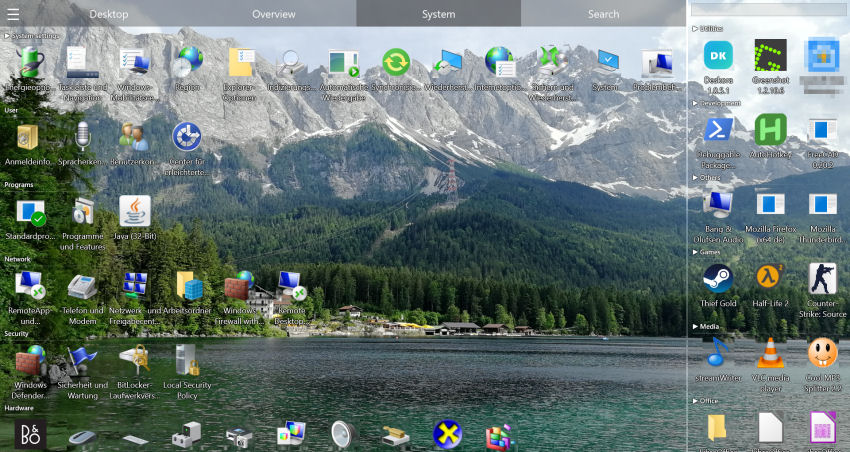
Why a Cluttered Desktop Costs Office Workers Hours Every Week
Anyone who works with files all day spends noticeable time searching instead of working. Downloads accumulate, shortcuts multiply, project folders end up everywhere — and Windows offers no automatic way to manage it. Remote teams working across multiple projects feel it even more sharply.
- Project files scattered across the desktop — no clear structure
- Shortcuts for 10 different tools — mixed with client documents
- Downloads folder overflowing — nothing where you expect it
- No built-in Windows solution for sorting by project, client, or date
- Remote workers juggling even more applications and shared drives
- Time lost every day — searching instead of working
💼 Made for Office & Remote Workflows
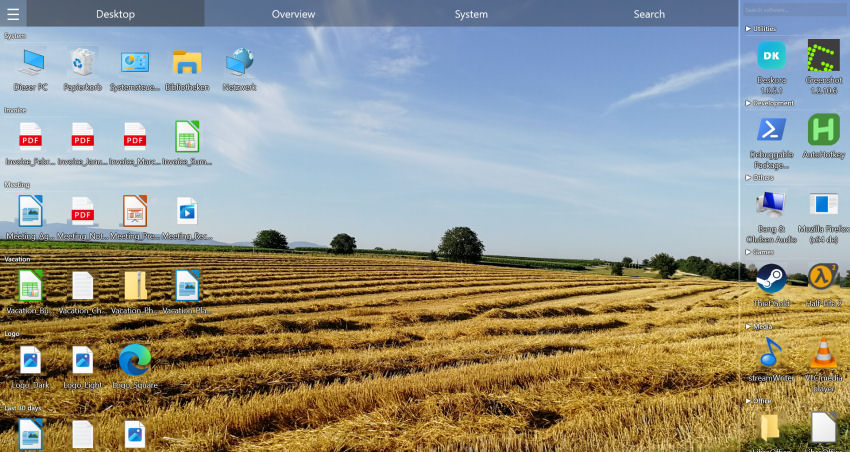
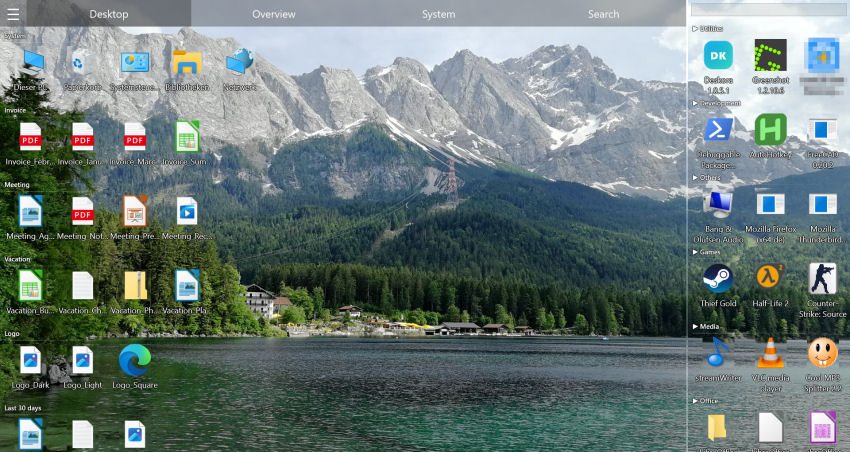
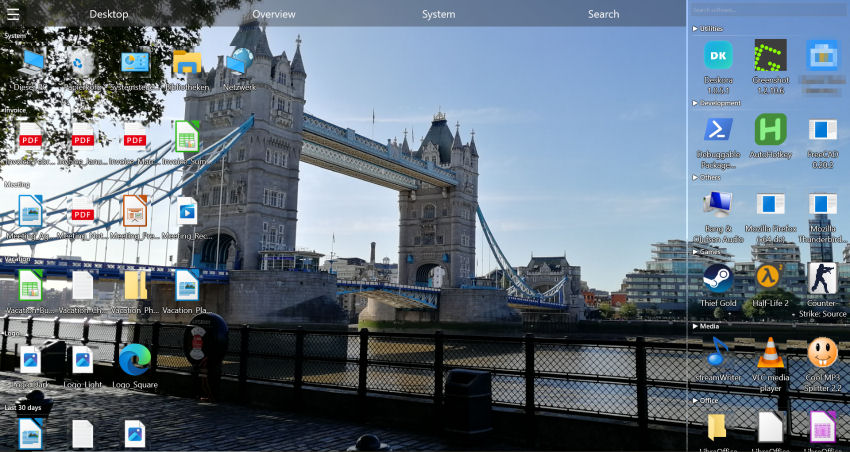
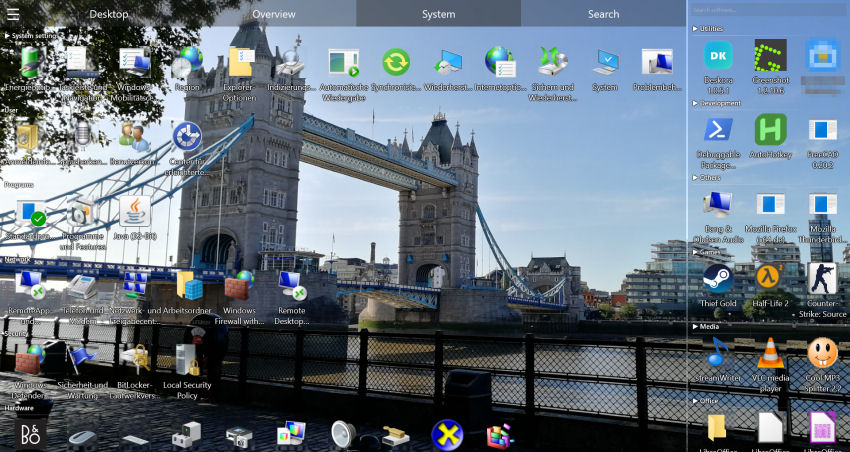
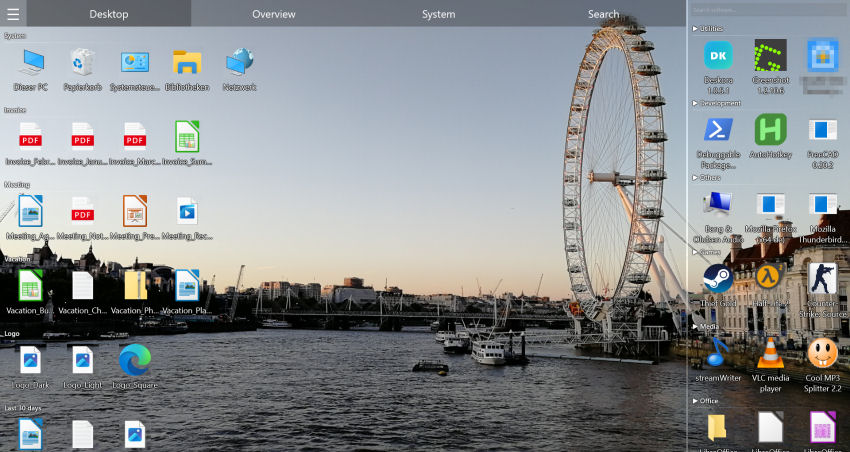
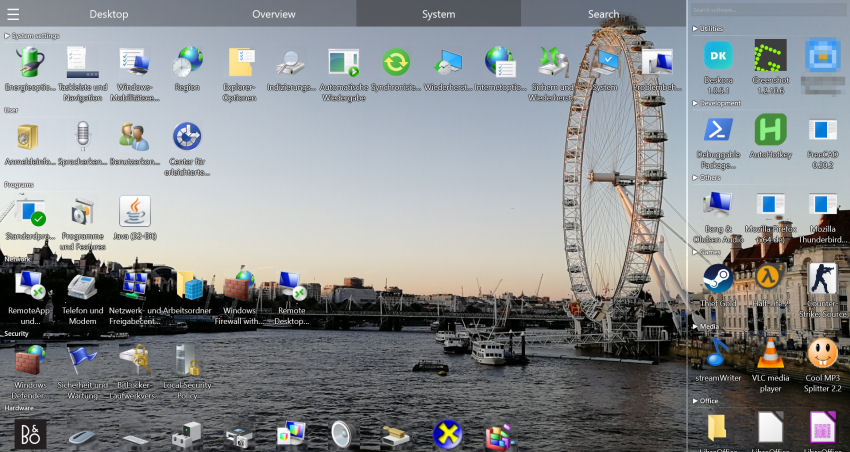
Deskora automatically groups your files, shortcuts, and tools — so you focus on work, not searching.
Download Deskora FreeHow Deskora Boosts Office & Remote Team Productivity
🧠 Smart Auto-Sorting
Deskora automatically groups files by type, name, and age. Documents, spreadsheets, PDFs, and shortcuts land in the right category — no manual sorting needed.
🔍 Instant NTFS File Search
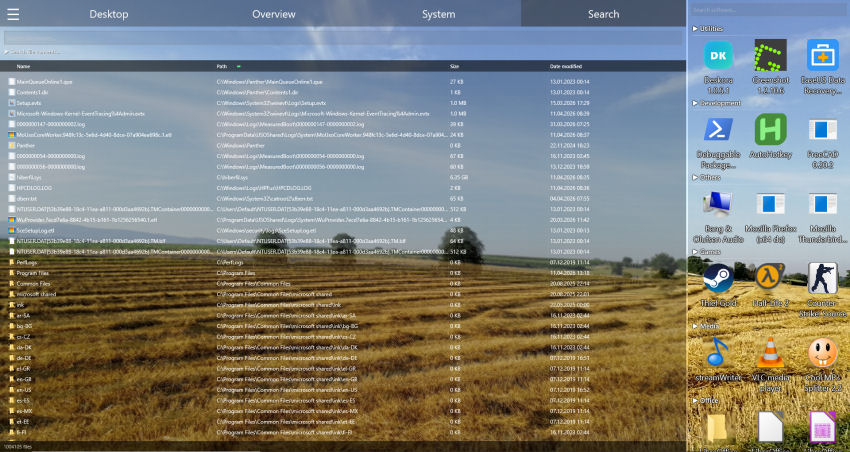
Find any file on your entire PC in under a second. Search by name, wildcard, or even file content. No more digging through folders mid-meeting.
🔄 Real-Time File Detection
New downloads, email attachments saved to desktop, and newly created documents appear instantly in the correct group — always up to date.
🖥️ Multi-Monitor Support
Office setups often use two or more screens. Deskora manages each monitor independently — organized groups on every display.
⚡ Idle Mode Instead of Constant Load
Deskora runs quietly in the background and renders through Direct3D 11. When you stop interacting it switches to an idle mode and only draws on CPU and GPU when something on the desktop changes.
📋 All Software in One Place
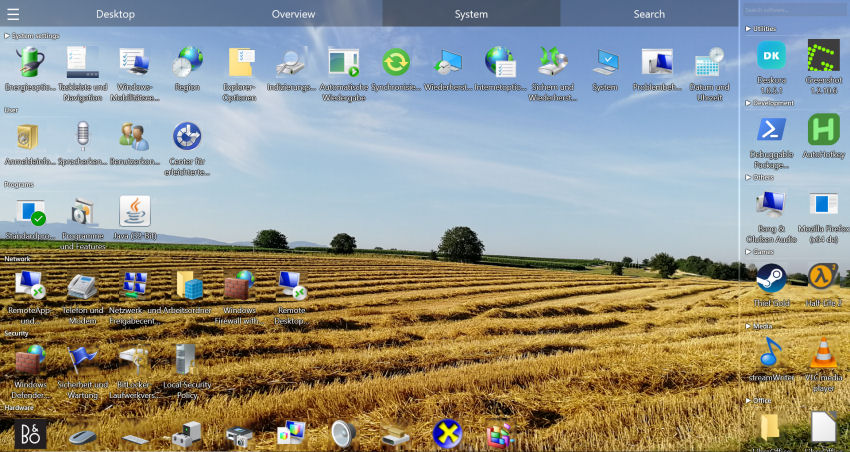
The built-in software overview lists every installed app, sorted by how often you use it. Find any tool instantly — no Start Menu digging.
Set Up Your Professional Desktop in 3 Steps
- Download and install Deskora — takes under 30 seconds, no account or registration required.
- Deskora scans your desktop — and automatically creates smart groups for your files, shortcuts, and tools.
- Work, don't search — every file, every project, every app exactly where you need it.
Why Students and Researchers Waste Valuable Study Time on Desktop Chaos
Between coursework, literature research, datasets, and submitted papers, desktop clutter grows exponentially. Without a clear structure, finding a single file can waste minutes that should be spent studying or researching.
- PDFs, notes, and datasets — scattered everywhere, no semester folder in sight
- Multiple courses at once — files from different subjects mixed together
- Downloaded papers stacking up — journal articles and eBooks without any system
- Research data and raw datasets — mixed in with personal files
- Windows Explorer lacks academic logic — no sorting by subject, semester, or project
- Deadlines approaching — and you're still looking for last week's source file
How Deskora Turns Your Desktop into a Productive Academic Workspace
🧠 Automatic Sorting by File Type
Deskora recognizes PDFs, DOCX, XLSX, PPTX files, datasets, and raw data automatically and places them into logical groups. No more lecture slides mixed with research papers.
🔍 NTFS Instant Search Plus Content Search
Name search covers every local drive and shows matches as you type; switch on content search and Deskora also looks inside PDF, Word, Excel and PowerPoint files. Perfect for literature management and rediscovering sources.
🔄 Real-Time Detection of New Downloads
Every newly downloaded paper, every lecture slide you save appears instantly in the right group — automatically, no clicks needed.
📁 Organize by Subject & Semester
Groups can be named after courses, semesters, or research projects. Deskora keeps the overview even when 5 courses are running simultaneously.
⚡ Easy on a Laptop
Runs unobtrusively in the background and drops into idle mode when inactive, so writing, reading or coding only costs cycles when something on the desktop actually changes.
🖥️ Multi-Monitor Support
Researchers often use two screens — Deskora manages each monitor independently. Literature on the left, writing project on the right.
Why Designers & Content Creators Waste Hours Every Week Searching for Files
Between client projects, social media assets, ongoing campaigns, and personal work, creative desktops overflow with files at lightning speed. Without smart organization, finding a single asset can kill your creative flow and cost precious production time.
- PSD, AI, XD, Figma exports — scattered everywhere, no project folder in sight
- RAW photos and video clips — mixed across multiple shoots with no structure
- Brand assets and fonts — duplicated across folders, hard to find when needed
- Stock images and mockups — stacking up without any logical organization
- Client deliverables and drafts — multiple versions mixed together
- Windows Explorer lacks creative logic — no sorting by project, client, or campaign
How Deskora Turns Your Desktop into a Productive Creative Workspace
🧠 Automatic Sorting of Creative Formats
Deskora recognizes PSD, AI, PNG, JPG, MP4, MOV, and other creative formats automatically and groups them logically. Add your own group per client, and client A's assets no longer mix with client B's deliverables.
🔍 NTFS Instant Search Across Every Local Drive
Find any asset, mockup or video file across your local hard disks and SSDs — by name with wildcards, and optionally inside document contents too. Never lose a file again.
🔄 Real-Time Detection of New Files
Every exported file, every downloaded stock image, every rendered video appears instantly in the right group — automatically, without any manual sorting.
📁 Organize by Client, Project & Campaign
Groups can be named after clients, campaigns, or content pillars. Deskora keeps the overview even with 10 active projects running simultaneously.
⚡ Stays Out of the Way
Deskora renders through Direct3D 11 and switches to an idle mode when inactive — during long render and export runs it sits still rather than running along the whole time.
🖥️ Multi-Monitor Support
Designers and video editors often use dual monitors — Deskora manages each monitor independently. Active project on the left, reference files on the right.
Which situation gets what out of it
The three groups this page covers share one desktop but not one problem. Here is where each of them actually gains something.
| Situation | The typical problem | What Deskora does about it |
|---|---|---|
| Office and remote work | Project files, client documents and a dozen tool shortcuts on one surface | Groups by type and name pattern; per-monitor layouts that survive docking |
| Study and research | Downloaded papers whose file names say nothing about their contents | Content search across documents and PDFs, plus wildcard filters by course or year |
| Design and content production | Large PSD, RAW and video project files spread over several drives | Instant name search across all local drives; type-based groups instead of folder archaeology |
The common thread: the desktop is the fastest place to put something down, and that is exactly why it fills up. Automatic grouping keeps that speed without the cost.
Frequently Asked Questions
Is Deskora free for professional and commercial use?
Yes. Deskora is 100% free for personal and commercial use — no subscription, no ads, no hidden costs.
Does Deskora move my files to different folders?
No. Deskora only organizes what is visible on your desktop. Your files stay exactly where they are on disk.
Does it work on Windows 10 and Windows 11?
Yes, fully compatible with Windows 10 and Windows 11 (64-bit). It is installed through a standard Windows installer that finishes in under 30 seconds; no account or registration is needed, and it can start with Windows if you want it to.
Can I use Deskora with multiple monitors?
Yes. Deskora keeps a separate saved state per display, with its own groups and its own arrangement. That pays off especially with a docking station: a resolution change or re-docking does not scramble the layout.
Can I search inside PDF and Office content?
Yes. Content search covers PDF, Word, Excel, PowerPoint and OpenDocument as well as text, source code and CSV files, and a hit names the page, sheet or slide. Scanned PDFs without a text layer are out of scope. Your documents never leave your PC in the process.
How does Deskora sort my files?
Deskora sorts files by rules based on file type, name, age and how often you use them, and builds logical groups from that automatically. New files are highlighted, older ones move into age groups. Known extensions are mapped through Windows metadata; only what cannot be mapped that way is assigned once with AI help.
Can I name groups by client, project or semester?
Yes. Groups can be renamed and created freely — by client, campaign, subject, semester or research topic — and you can drag files between them with multi-select. The automatic grouping by type is the starting point, not a fixed template.
Does Deskora load a laptop or long render runs?
Deskora renders through Direct3D 11 and switches to an idle mode when inactive, where CPU and GPU are only used when something on the desktop changes. During a long export it therefore sits largely still, and the optional 3D icons can be switched off on top of that.