Rainmeter: Looks Spectacular, Organizes Nothing
Rainmeter is an open-source widget engine for Windows. With community skins, you can turn your desktop into a futuristic dashboard — clock, weather, CPU gauges, audio visualizers, app launchers. The Reddit screenshots are stunning.
But in daily use, one thing becomes clear fast: widgets don't help you find files. Your desktop looks better, but the actual problem — clutter, lost files, piling icons — stays exactly the same.
What Rainmeter Does Well
- Customizable widgets — Clock, weather, system monitor, audio visualizer
- Community skins — Thousands of free themes available
- App launchers — Quick access to your favorite programs
- System monitoring — CPU, RAM, network in real-time
What Rainmeter Can't Do
- No file organization — Icons stay scattered behind the widgets
- No search — No way to quickly find a file
- No auto-sorting — Downloads and new files pile up unsorted
- Hours of configuration — Every skin requires manual setup, often editing INI files
- Heavy resource usage — Multiple skins drain CPU constantly via GDI+ rendering
🎯 Beautiful AND Organized — Why Choose?
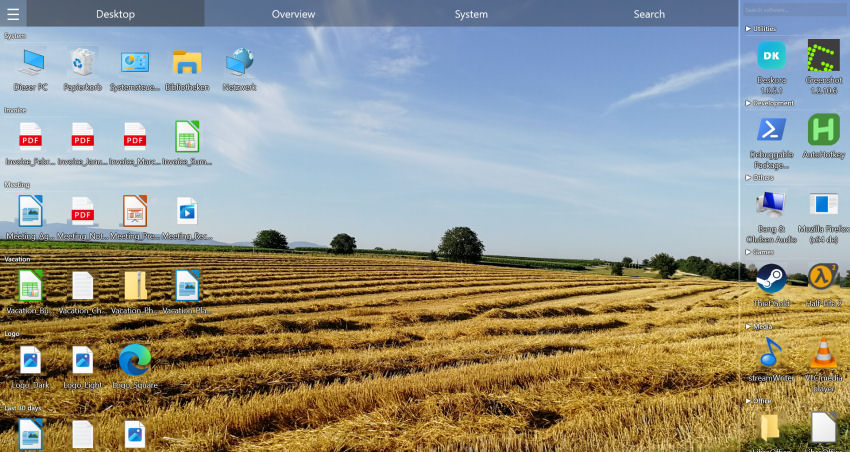
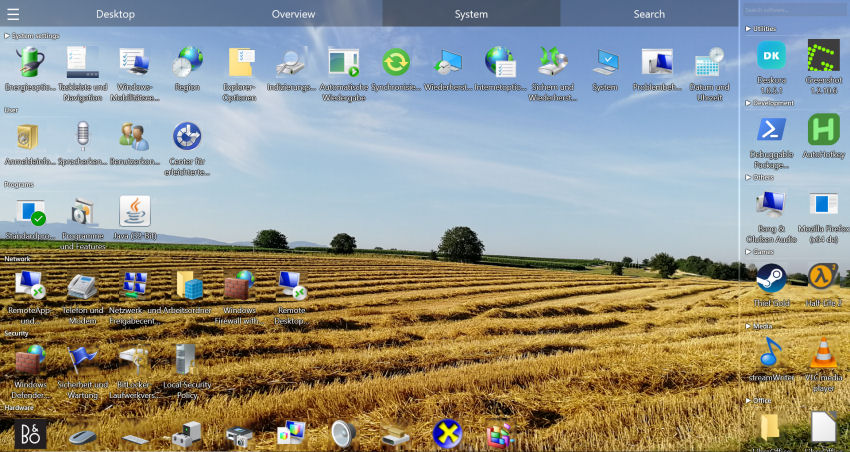
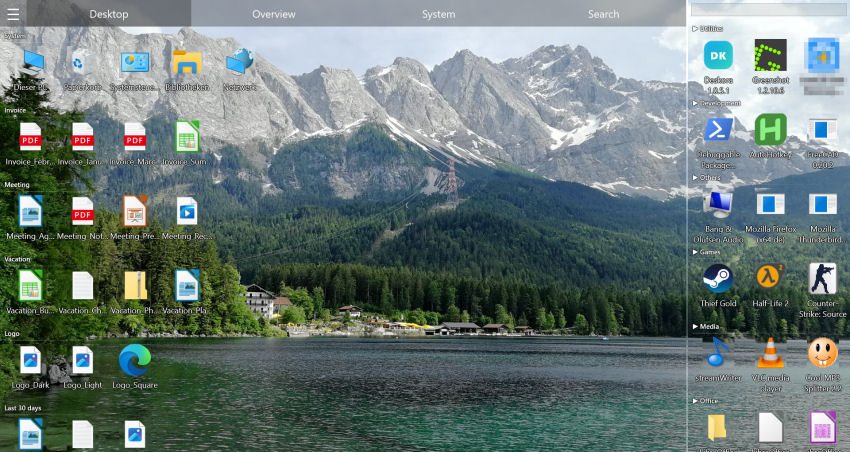
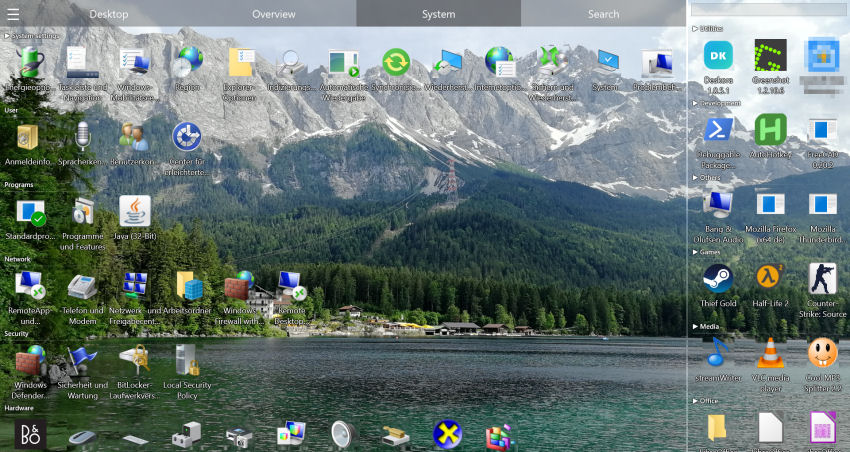
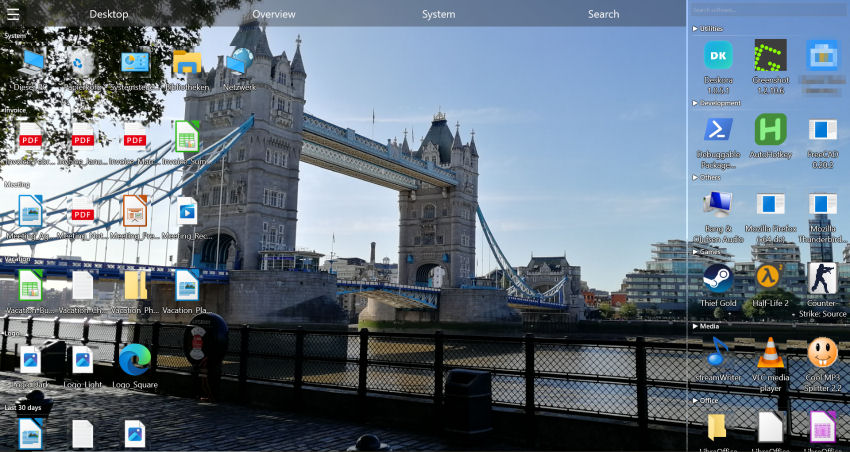
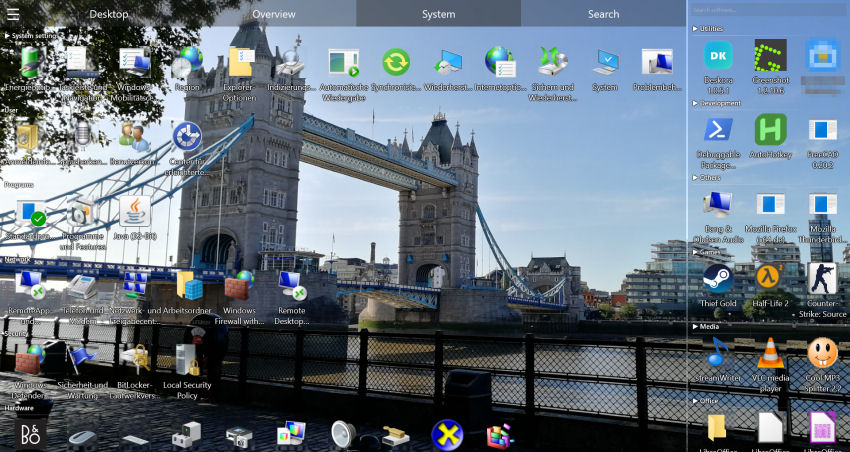
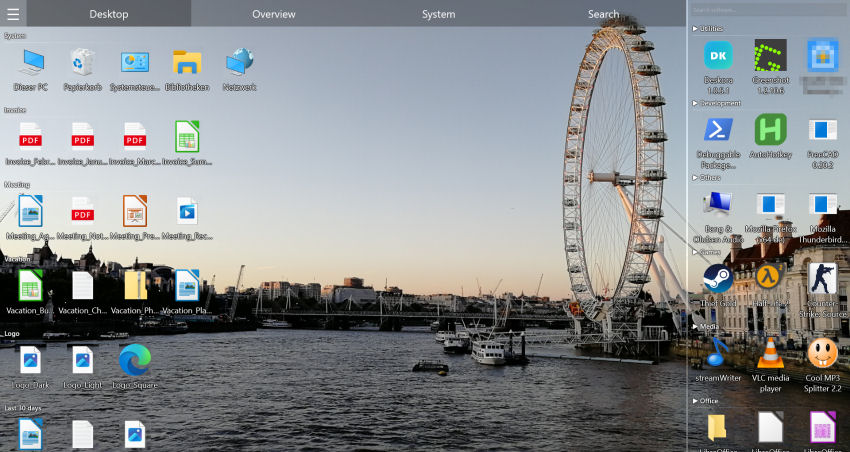
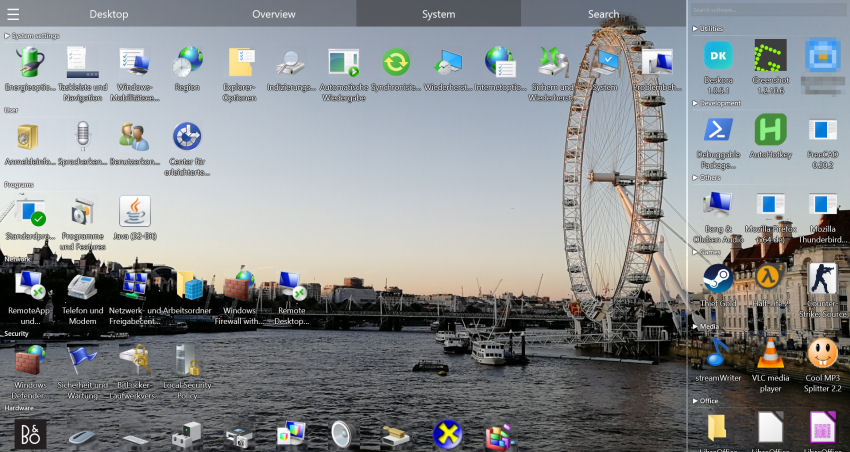
Deskora organizes your desktop with sleek groups and 3D icons. Where beautiful meets useful.
Try Deskora FreeDeskora vs Rainmeter: Full Comparison
| Feature | Deskora | Rainmeter |
|---|---|---|
| Price | ✓ Free | ✓ Free |
| intelligent sorting | ✓ Yes | ✗ No |
| Smart file groups | ✓ Yes | ✗ No |
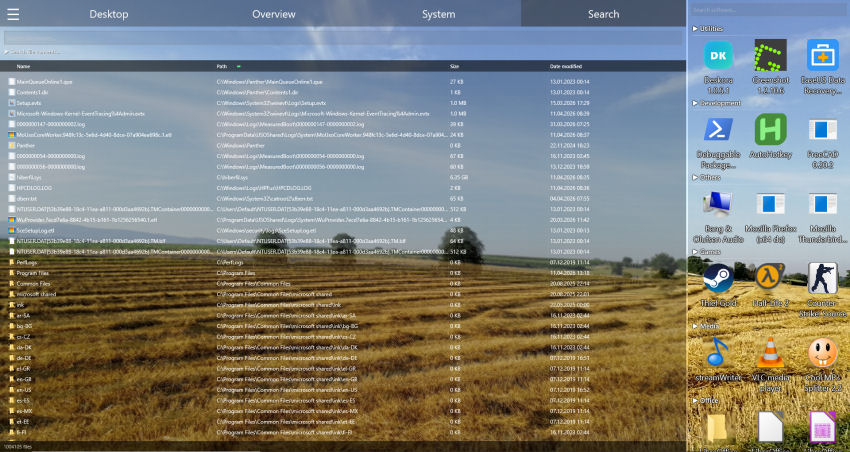
| Instant NTFS search | ✓ Yes | ✗ No |
| Content search | ✓ Yes | ✗ No |
| Real-time file detection | ✓ Yes | ✗ No |
| Desktop widgets | ✗ No | ✓ Yes |
| Community skins | ✗ No | ✓ Thousands |
| System monitoring | ✗ No | ✓ Yes |
| GPU rendering | ✓ Yes | ✗ GDI+ |
| 3D icons | ✓ Yes | ✗ No |
| Setup time | ✓ 30 seconds | ✗ Hours |
| Resource usage | ✓ Minimal (idle mode) | ✗ Always-on |
| Installed software overview | ✓ Yes | ✗ No |
The Real Question: Decorate or Organize?
A lot of people install Rainmeter because their desktop is a mess and they want to "do something about it." But layering widgets on top of clutter is like putting a nice rug over a dirty floor — the problem underneath hasn't gone anywhere.
Deskora tackles the root cause:
- Analyze — Deskora identifies what's on your desktop
- Sort — Files get placed into logical groups automatically
- Maintain — New files are detected and classified in real-time
- Search — Any file on your entire drive in under a second
💡 From Decoration to Organization
Your desktop deserves more than pretty widgets. Give it real structure — for free.
Download Deskora FreeCan You Use Both Together?
Absolutely. The two programs run completely independently:
- Deskora handles file organization
- Rainmeter displays your favorite widgets (clock, monitoring)
That said, many users who install Deskora end up removing Rainmeter after a while. The sleek groups, 3D icons, and GPU rendering make most widgets feel redundant — and the desktop runs noticeably faster without Rainmeter's constant GDI+ load.
Why Rainmeter Users Are Switching to Deskora
⏱️ Config Fatigue
A nice Rainmeter setup takes hours. Editing INI files, tweaking pixel coordinates, mixing skins. Deskora? 30-second install, Deskora does the rest.
🔍 Actually Finding Files
Rainmeter widgets show CPU and weather — but not where that important PDF went. Deskora's NTFS search finds it in under a second.
💻 Saving Resources
10+ Rainmeter skins load the CPU constantly. Deskora uses GPU acceleration and has a smart idle mode for near-zero resource usage.
📁 Solving the Real Problem
A decorated desktop is still a messy desktop. Deskora solves the actual problem: clutter, lost files, overflowing icons.
All Desktop Tools Compared
See how the four most popular desktop tools stack up. Check out detailed comparisons for Fences and DesktopOK too.
| Criteria | Deskora | Rainmeter | Fences | DesktopOK |
|---|---|---|---|---|
| Price | Free | Free | ~$10 | Free |
| File organization | ✓ intelligent | ✗ | ✓ Manual | ✗ |
| File search | ✓ NTFS | ✗ | ✗ | ✗ |
| Widgets | ✗ | ✓ | ✗ | ✗ |
| Icon backup | ✗ | ✗ | ✗ | ✓ |
| GPU rendering | ✓ | ✗ | ✗ | ✗ |
| Setup | ✓ 30 sec | ✗ Hours | ✓ 5 min | ✓ 1 min |
Frequently Asked Questions
Are Rainmeter and Deskora compatible?
Yes. Both run independently and can coexist without issues. Deskora handles files, Rainmeter shows widgets.
Can Deskora show widgets like Rainmeter?
No. Deskora doesn't do widgets. Its focus is file organization, intelligent sorting, and search. If you want widgets, keep Rainmeter alongside it.
Which one uses fewer resources?
Deskora. It uses GPU rendering and has a smart idle mode. Rainmeter with multiple active skins loads the CPU constantly via GDI+.
Is Deskora as customizable as Rainmeter?
For widgets and skins: no — Rainmeter has near-unlimited freedom there. For desktop organization: yes — Deskora has custom groups, intelligent sorting, and built-in search that Rainmeter doesn't.
Do I need technical skills for Deskora?
No. Unlike Rainmeter where you often edit INI files by hand, Deskora works entirely through a graphical interface. Install and go.
Is Deskora free?
Yes, completely free, no ads, no sign-up. Like Rainmeter — but for organization instead of decoration.