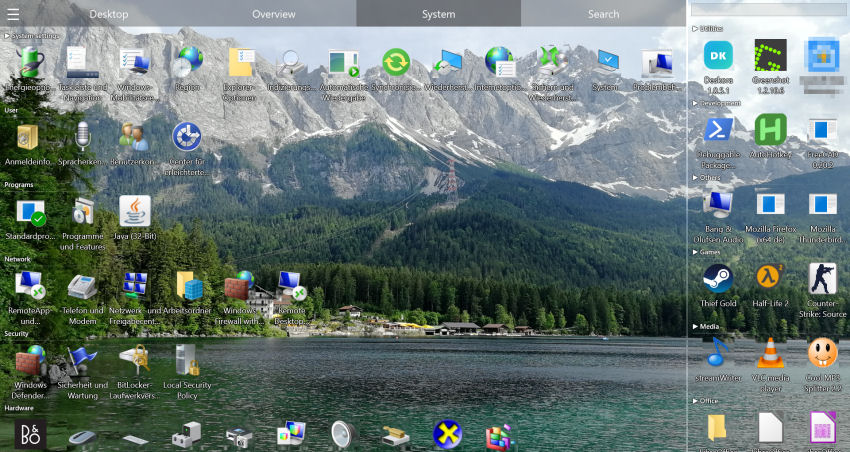
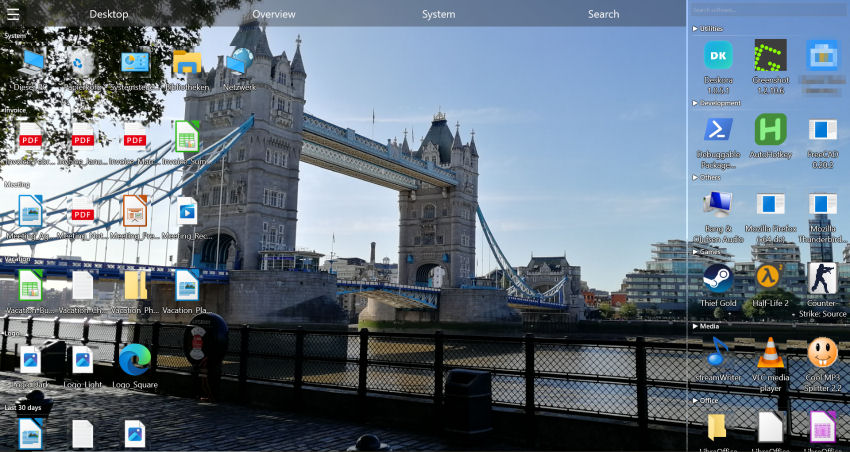
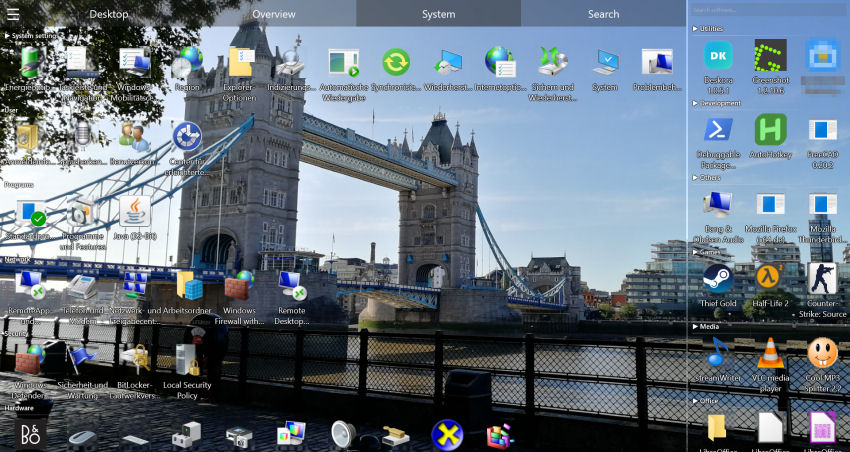
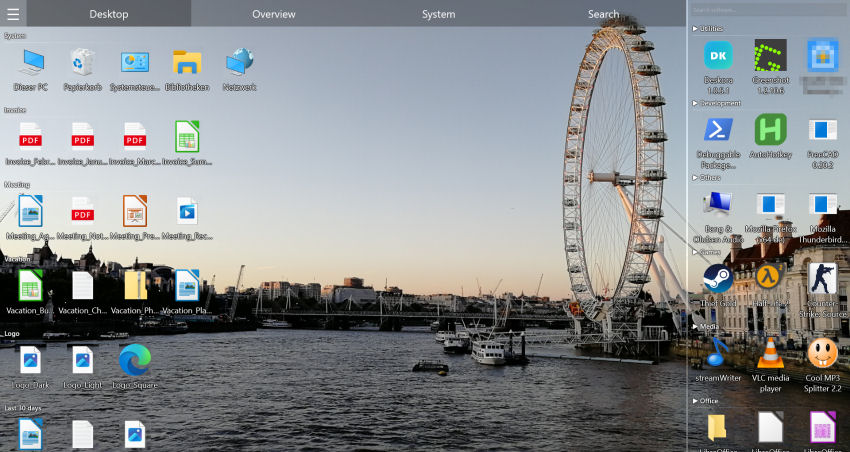
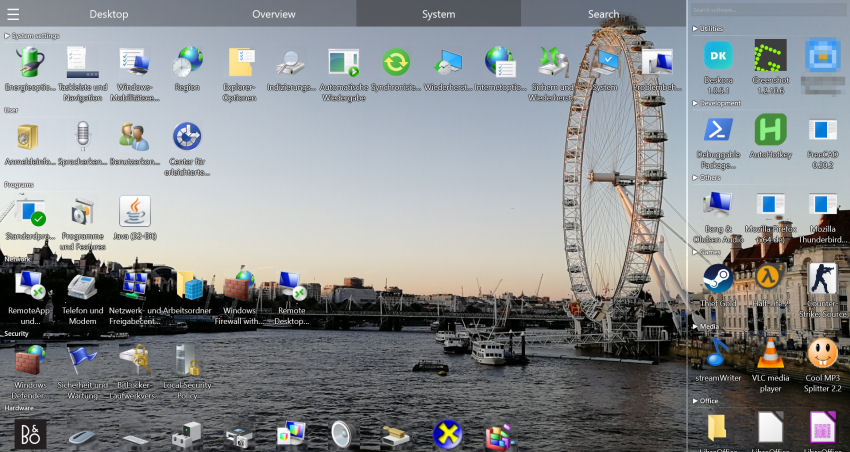
DesktopOK: Useful, But Only Solves One Problem
DesktopOK is a small portable utility that does exactly one thing: it saves your desktop icon positions and restores them — for example after a resolution change or when you plug in a projector.
Here's the issue: DesktopOK saves the mess instead of fixing it. If you've got 150 icons scattered across your desktop, DesktopOK faithfully remembers that exact chaos. It doesn't sort anything, group anything, or help you find anything.
What DesktopOK Can't Do
- No automatic sorting — Files stay exactly where they are
- No groups — No way to cluster files by type, project, or category
- No search — Finding files means going back to Windows Explorer
- Dated interface — Classic Win32 UI that looks out of place on Windows 11
- No real-time detection — New files aren't auto-classified
🤔 Save the Mess… or Fix It?
Deskora doesn't remember where your icons are. It makes sure they're where they belong.
Try Deskora FreeDeskora vs DesktopOK: The Full Comparison
| Feature | Deskora | DesktopOK |
|---|---|---|
| Price | ✓ Free | ✓ Free |
| Save icon positions | ✗ No (unnecessary) | ✓ Yes |
| intelligent sorting | ✓ Yes | ✗ No |
| Smart groups | ✓ Yes | ✗ No |
| Instant NTFS search | ✓ Yes | ✗ No |
| Content search | ✓ Yes | ✗ No |
| Real-time new file detection | ✓ Yes | ✗ No |
| GPU rendering | ✓ Yes | ✗ No |
| 3D icons | ✓ Yes | ✗ No |
| Per-monitor multi-display | ✓ Yes | ✓ Per resolution |
| Smart idle mode | ✓ Yes | ✗ No |
| Full desktop replacement | ✓ Yes | ✗ No |
| Modern interface | ✓ Windows 10/11 | ✗ Classic Win32 |
5 Reasons Deskora Makes DesktopOK Obsolete
🧠 Intelligent Sorting
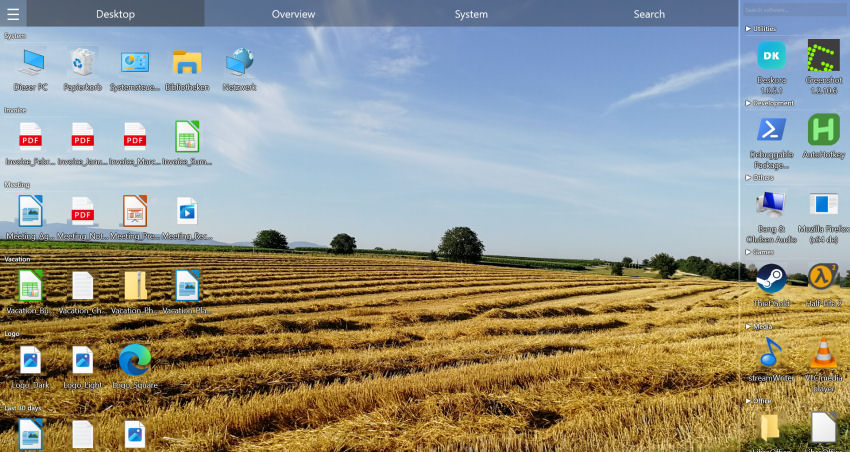
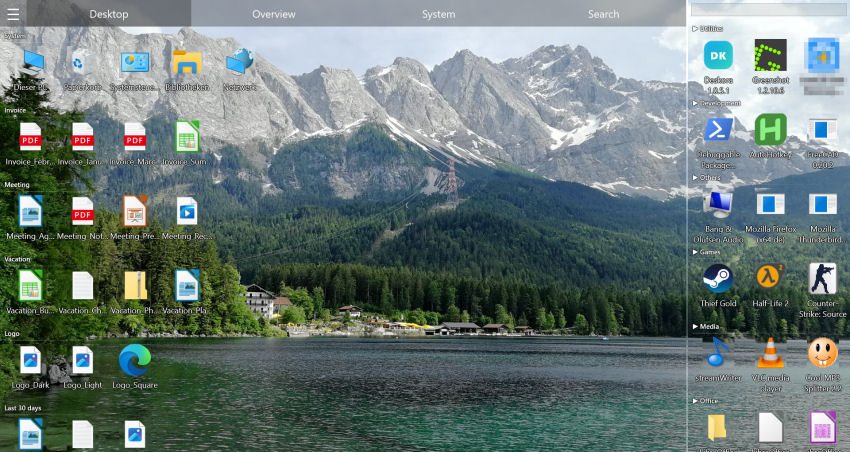
Deskora analyzes file extensions, names, and metadata to create logical groups automatically. Documents, images, code, music — everything in its place, zero effort.
🔍 Find Everything Instantly
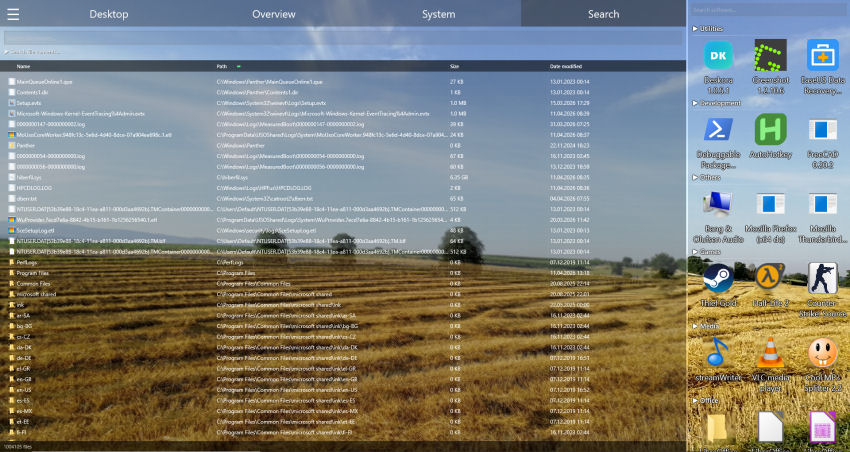
NTFS search scans millions of files in under a second. Plus, you can search inside document contents — not just file names.
🔄 New Files? Auto-Sorted
Every new download or screenshot is detected immediately and placed in the right group. Your desktop stays clean forever.
🖥️ Full Desktop Replacement
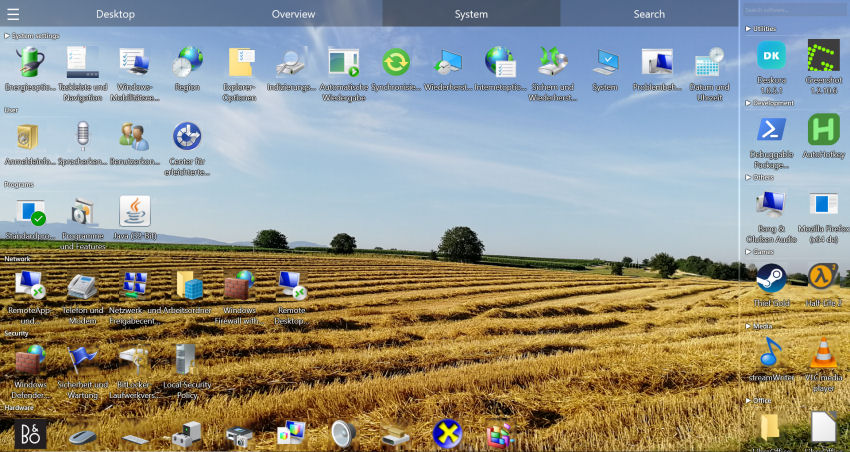
Deskora can completely replace the native Windows desktop with a modern, GPU-accelerated interface.
💤 Smart Idle Mode
When you're not using Deskora, resource usage drops to near zero. DesktopOK has nothing like it.
🎁 Same Price (Free) — 10× More Features
Both DesktopOK and Deskora are free. The difference is what they can actually do.
Download Deskora FreeSwitching Is Dead Simple
- Download Deskora — 30-second install, no account needed
- Let Deskora work — Deskora scans your desktop and creates groups
- Customize to taste — Rename groups, move files, adjust layout
- Uninstall DesktopOK (optional) — Once organized, saving icon positions is pointless
Frequently Asked Questions
Can Deskora and DesktopOK run at the same time?
Yes. They're independent and don't conflict. But once Deskora is set up, DesktopOK's icon backup becomes unnecessary.
Does Deskora save icon positions too?
No — by design. Deskora dynamically organizes files into groups. There's no need to save static positions when your desktop sorts itself.
Is Deskora really free?
Yes. 100% free, no ads, no sign-up, no trial period. Just like DesktopOK — but with way more features.
Does Deskora work offline?
Yes. intelligent sorting is completely local. No data is sent to external servers.
Does Deskora support multiple monitors?
Yes. Each display is managed independently with its own groups and layout.