Why Designers & Content Creators Waste Hours Every Week Searching for Files
Between client projects, social media assets, ongoing campaigns, and personal work, creative desktops overflow with files at lightning speed. Without smart organization, finding a single asset can kill your creative flow and cost precious production time.
- PSD, AI, XD, Figma exports — scattered everywhere, no project folder in sight
- RAW photos and video clips — mixed across multiple shoots with no structure
- Brand assets and fonts — duplicated across folders, hard to find when needed
- Stock images and mockups — stacking up without any logical organization
- Client deliverables and drafts — multiple versions mixed together
- Windows Explorer lacks creative logic — no sorting by project, client, or campaign
🎨 Built for Creative Workflows
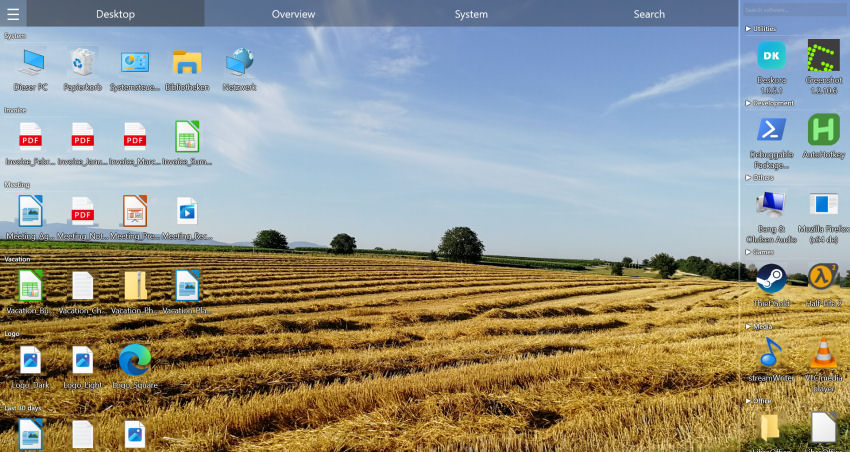
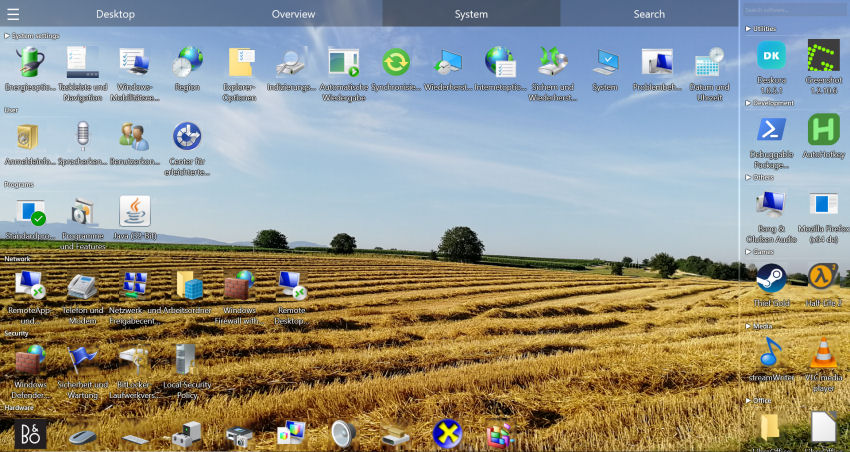
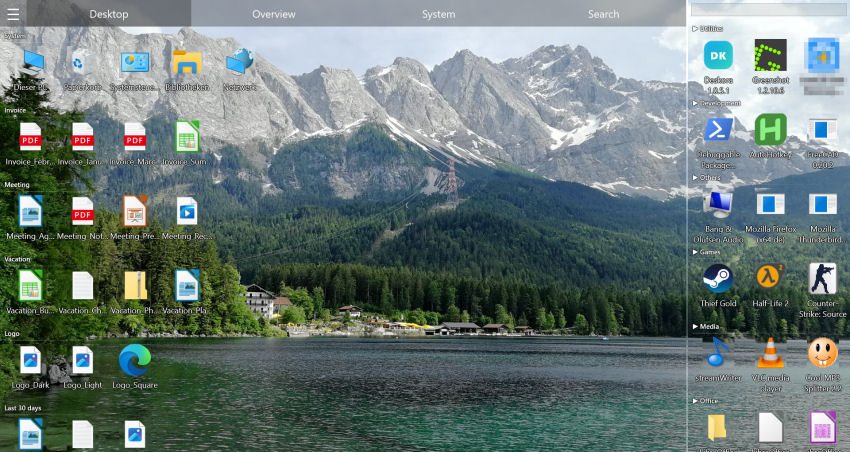
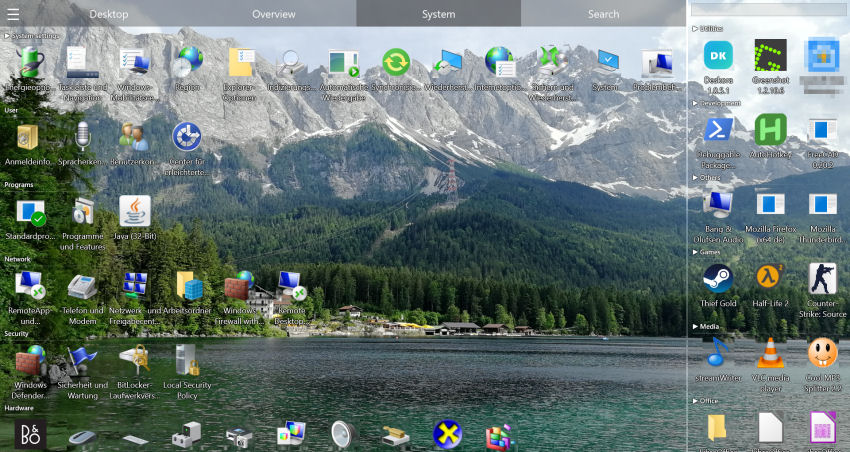
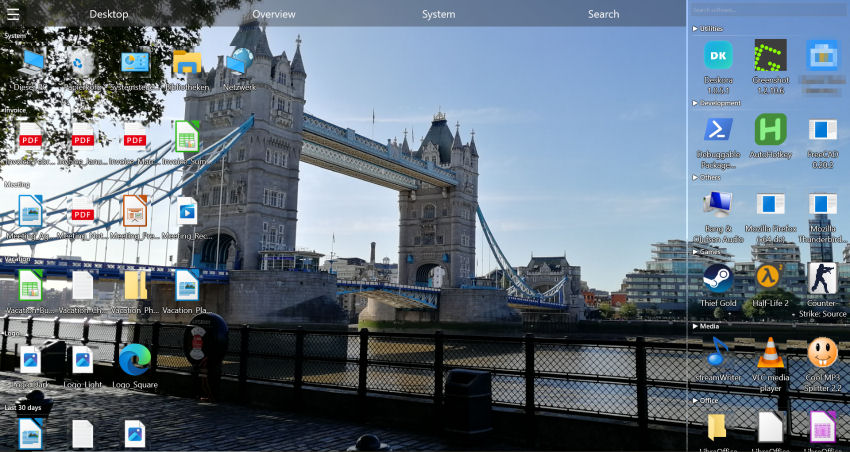
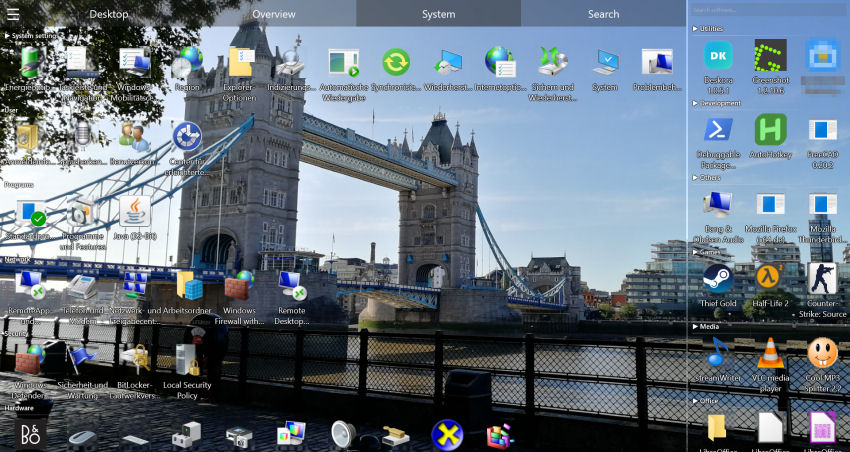
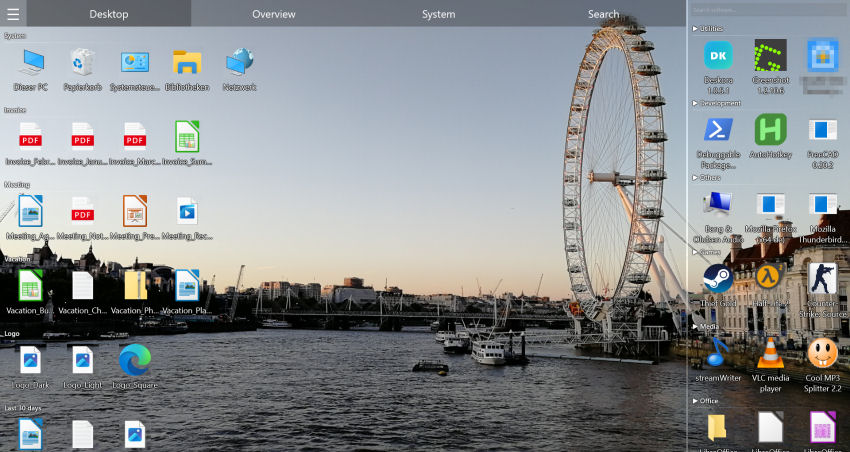
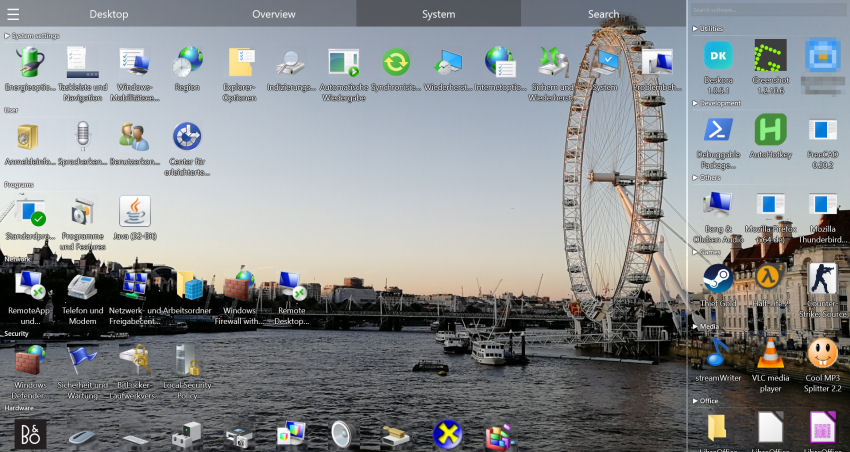
Deskora automatically groups design files, media assets, and project folders — so you create instead of search.
Download Deskora FreeHow Deskora Turns Your Desktop into a Productive Creative Workspace
🧠 Automatic Sorting by File Type & Project
Deskora recognizes PSD, AI, PNG, JPG, MP4, MOV, and other creative formats automatically and groups them logically. No more mixing client A's assets with client B's deliverables.
🔍 Instant Full-Text Search (NTFS)
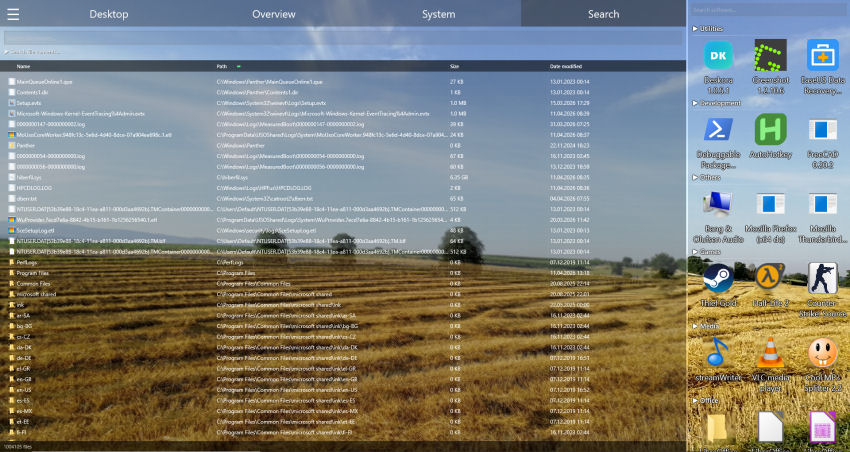
Find any asset, mockup, or video file across your entire PC in under a second — including subfolders and content inside documents. Never lose a file again.
🔄 Real-Time Detection of New Files
Every exported file, every downloaded stock image, every rendered video appears instantly in the right group — automatically, without any manual sorting.
📁 Organize by Client, Project & Campaign
Groups can be named after clients, campaigns, or content pillars. Deskora keeps the overview even with 10 active projects running simultaneously.
⚡ Zero Performance Impact
Runs invisibly in the background — no impact on CPU or RAM while rendering, exporting, or editing in Photoshop, Premiere, or After Effects.
🖥️ Multi-Monitor Support
Designers and video editors often use dual monitors — Deskora manages each monitor independently. Active project on the left, reference files on the right.
Set Up Your Creative Desktop in 3 Steps
- Download and install Deskora — takes under 30 seconds, no account or registration required.
- Deskora scans your desktop — and automatically creates groups for design files, images, videos, and documents.
- Create, don't search — every asset, every export, every client file exactly where you need it.
Frequently Asked Questions
Is Deskora free for designers and content creators?
Yes. Deskora is 100% free — no subscription, no ads, no hidden costs. Perfect for freelancers and creative professionals on any budget.
Can I organize files by client or campaign?
Yes. Deskora lets you name and organize groups freely — by client, project, campaign, content pillar, or any creative category you need.
Does Deskora work with Photoshop, Premiere, and After Effects files?
Yes. Deskora recognizes and groups PSD, AI, PRPROJ, AEP, and all other creative file formats automatically.
Will my files be moved or changed?
No. Deskora only organizes the visible display on your desktop. Files remain unchanged at their original location on disk.
Does Deskora support large video files without slowing down?
Yes. Deskora is extremely lightweight with minimal CPU impact — it won't slow down rendering or export processes.
Does Deskora support Windows 10 and 11?
Yes, fully compatible with Windows 10 and Windows 11 (64-bit).