Why Students and Researchers Waste Valuable Study Time on Desktop Chaos
Between coursework, literature research, datasets, and submitted papers, desktop clutter grows exponentially. Without intelligent structure, finding a single file can waste minutes that should be spent studying or researching.
- PDFs, notes, and datasets — scattered everywhere, no semester folder in sight
- Multiple courses at once — files from different subjects mixed together
- Downloaded papers stacking up — journal articles and eBooks without any system
- Research data and raw datasets — mixed in with personal files
- Windows Explorer lacks academic logic — no sorting by subject, semester, or project
- Deadlines approaching — and you're still looking for last week's source file
🎓 Built for Academic Workflows
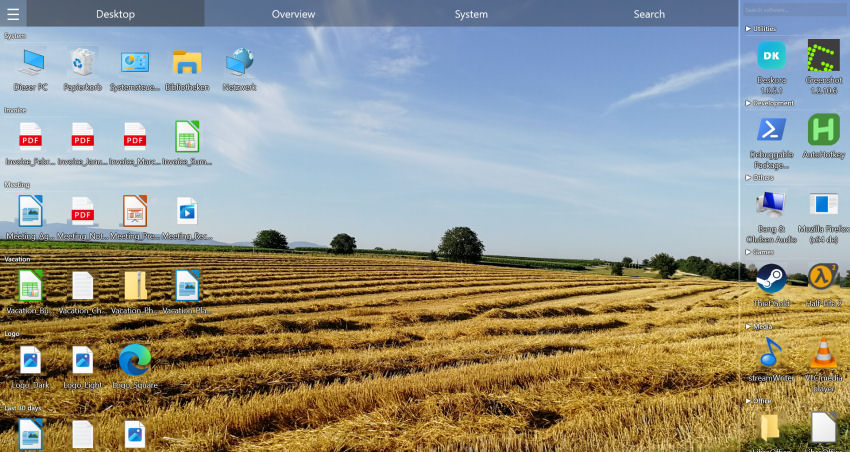
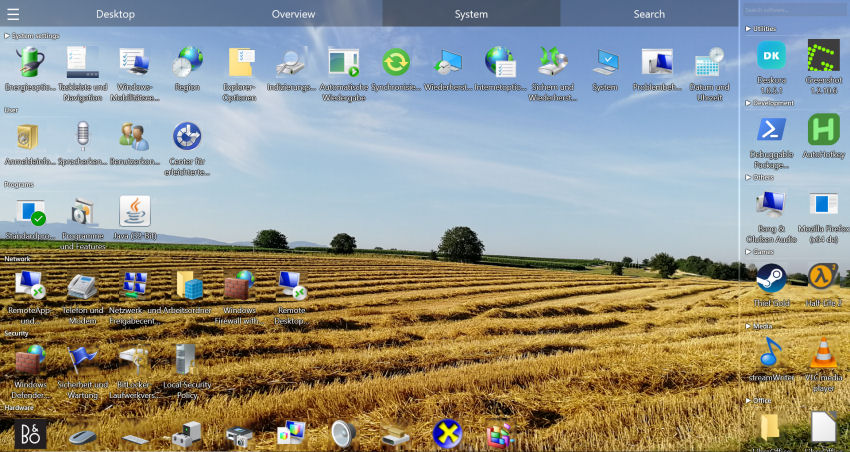
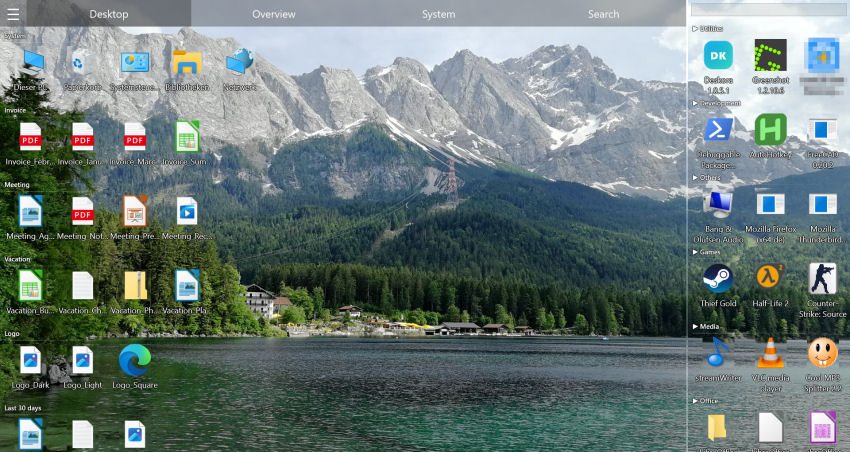
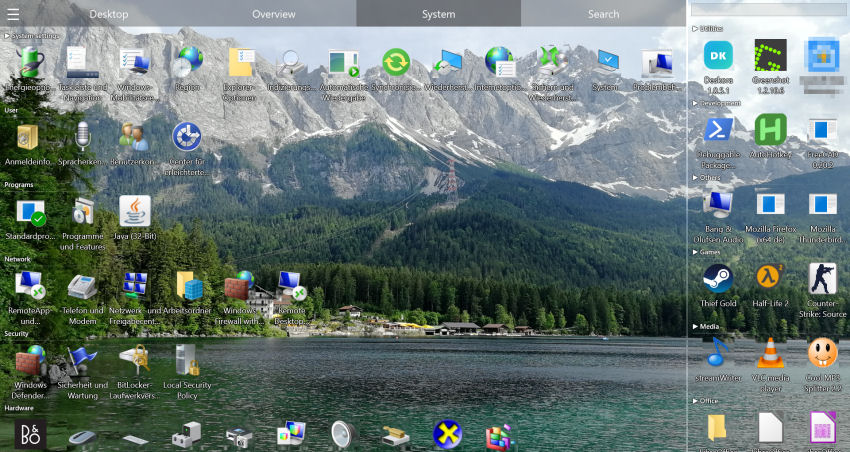
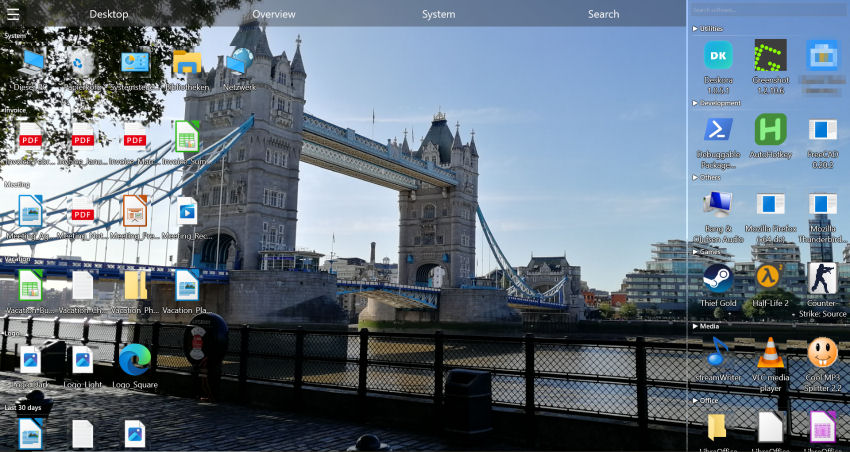
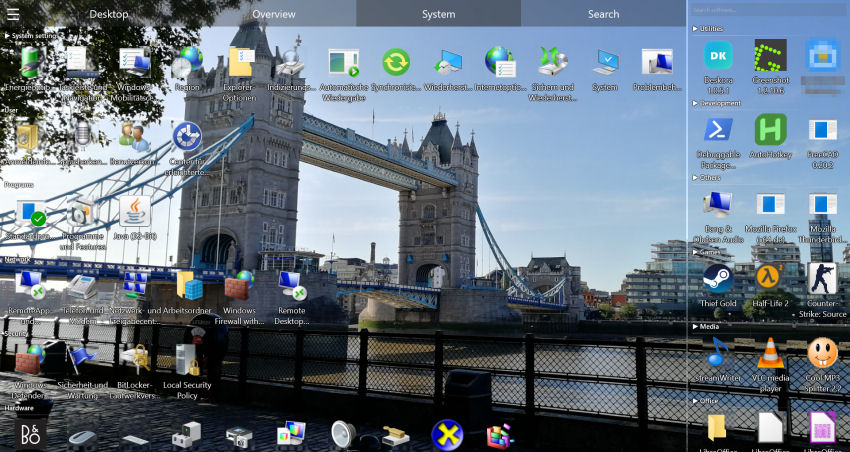
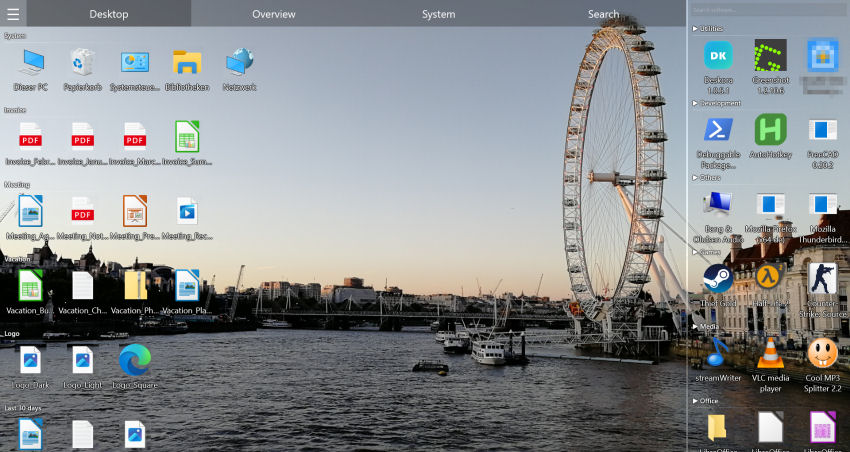
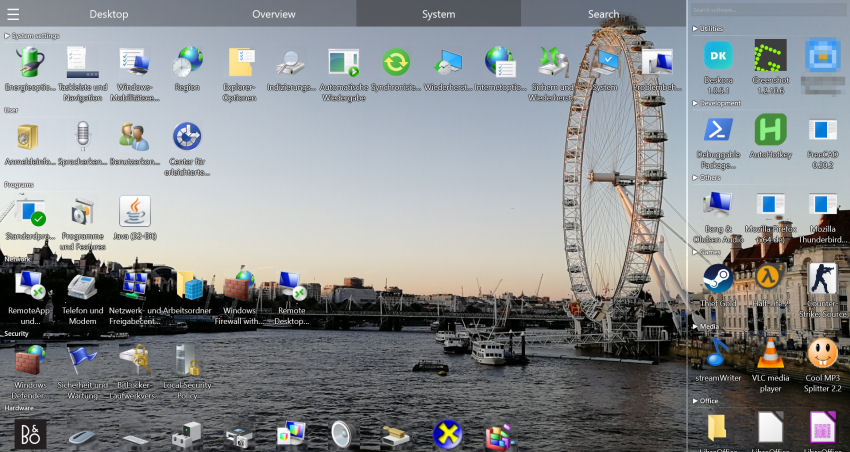
Deskora automatically groups lecture notes, research data, and literature — so you study and research instead of searching.
Download Deskora FreeHow Deskora Turns Your Desktop into a Productive Academic Workspace
🧠 Automatic Sorting by File Type & Subject
Deskora recognizes PDFs, DOCX, XLSX, PPTX files, datasets, and raw data automatically and places them into logical groups. No more lecture slides mixed with research papers.
🔍 Lightning-Fast Full-Text Search (NTFS)
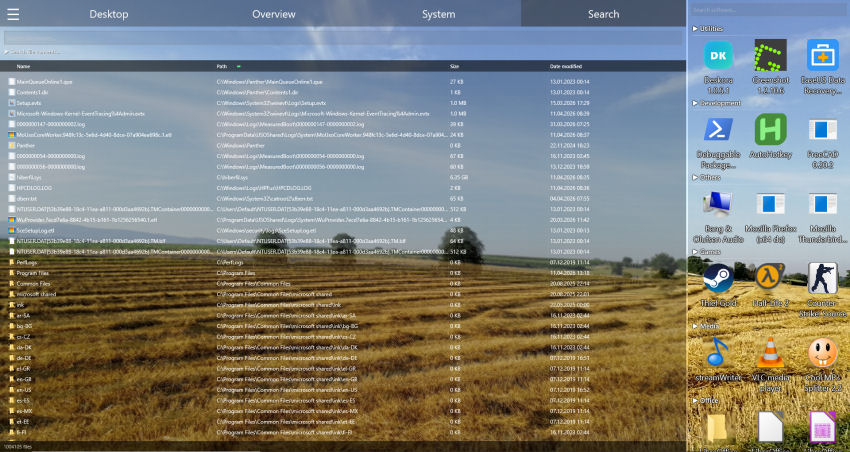
Find any file on your entire PC — including subfolders and document content — in under a second. Perfect for literature management and rediscovering sources.
🔄 Real-Time Detection of New Downloads
Every newly downloaded paper, every lecture slide you save appears instantly in the right group — automatically, no clicks needed.
📁 Organize by Subject & Semester
Groups can be named after courses, semesters, or research projects. Deskora keeps the overview even when 5 courses are running simultaneously.
⚡ Zero Performance Impact
Runs invisibly in the background — no impact on CPU, RAM, or battery life while writing, reading, or coding.
🖥️ Multi-Monitor Support
Researchers often use two screens — Deskora manages each monitor independently. Literature on the left, writing project on the right.
Set Up Your Academic Desktop in 3 Steps
- Download and install Deskora — takes under 30 seconds, no account or registration required.
- Deskora scans your desktop — and automatically creates groups for documents, PDFs, datasets, and presentations.
- Study and research, don't search — every lecture slide, every source, every dataset exactly where you need it.
Frequently Asked Questions
Is Deskora free for students?
Yes. Deskora is 100% free — no subscription, no ads, no hidden costs. Ideal for students on a tight budget.
Can I group files by course or semester?
Yes. Deskora lets you name and organize groups freely — by subject, semester, project, or research topic.
Does the search also work inside PDF content?
Yes. The built-in content search scans text inside documents too — not just file names.
Will my files be moved or changed?
No. Deskora only organizes the visible display on your desktop. Files remain unchanged at their original location on disk.
Does Deskora run on laptop hardware?
Yes. Deskora is extremely lightweight with minimal impact on CPU and battery — perfect for student laptops.
Does Deskora support Windows 10 and 11?
Yes, fully compatible with Windows 10 and Windows 11 (64-bit).