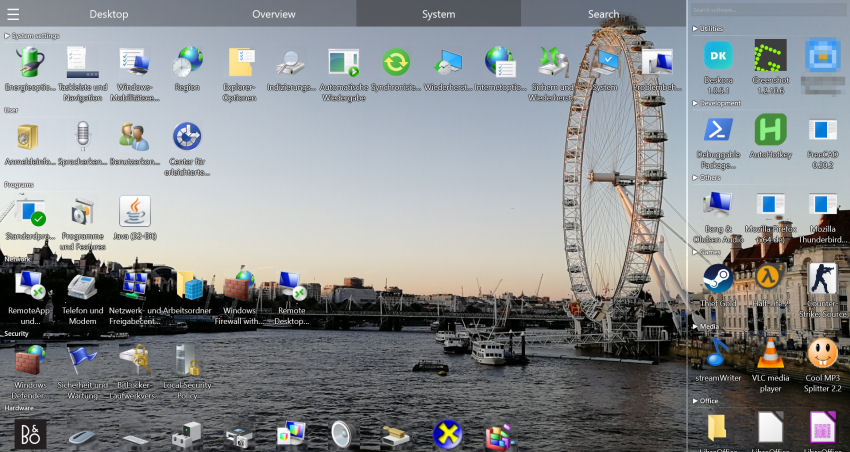
Why is organizing your Windows desktop so hard on your own?
Windows only offers basic sorting — by name, date or type. It doesn't create logical categories or automatically group related files. The result? 80 scattered icons that grow every single day.
Deskora solves this at the root: intelligent analyses your desktop and organizes it automatically — with zero manual effort from you.
How to organize your desktop for free with Deskora: step-by-step guide
Step 1 — Download Deskora
Free download, portable install in 30 seconds. No registration, no account, no credit card.
Step 2 — Run intelligent classification
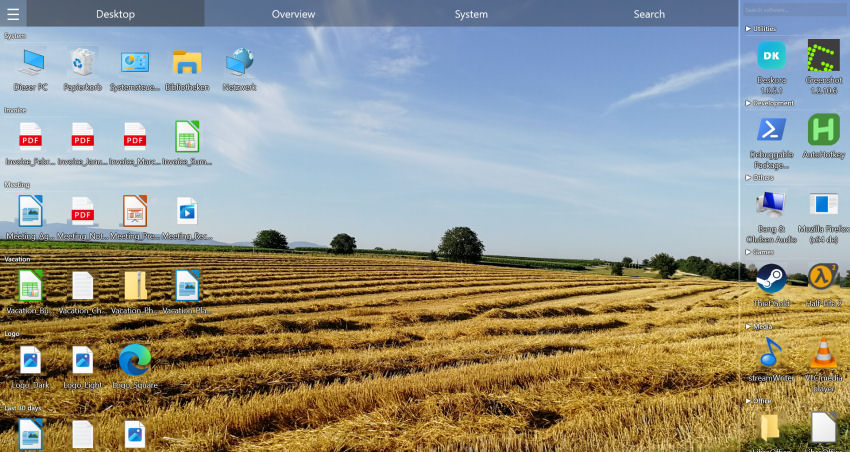
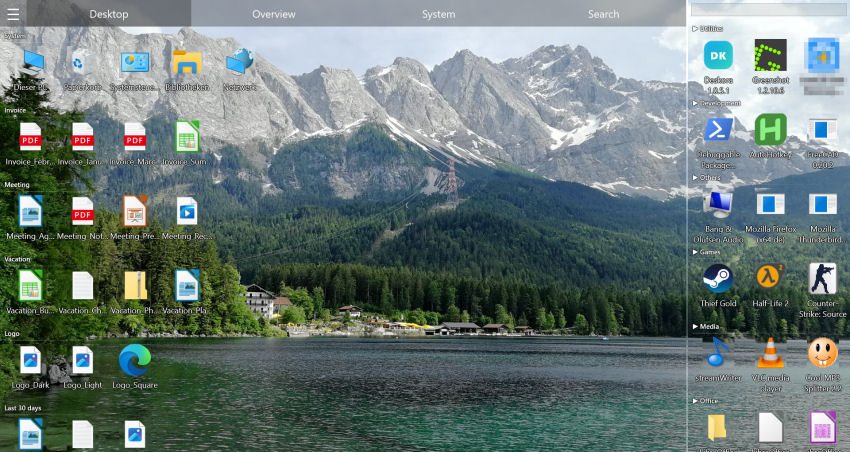
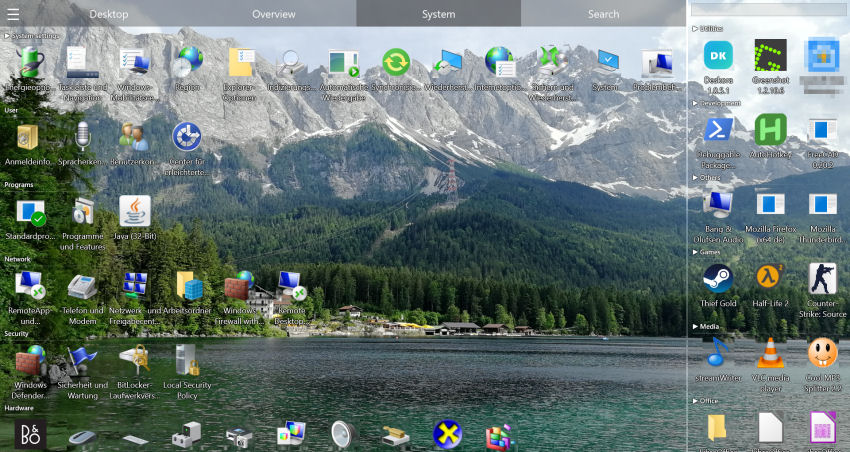
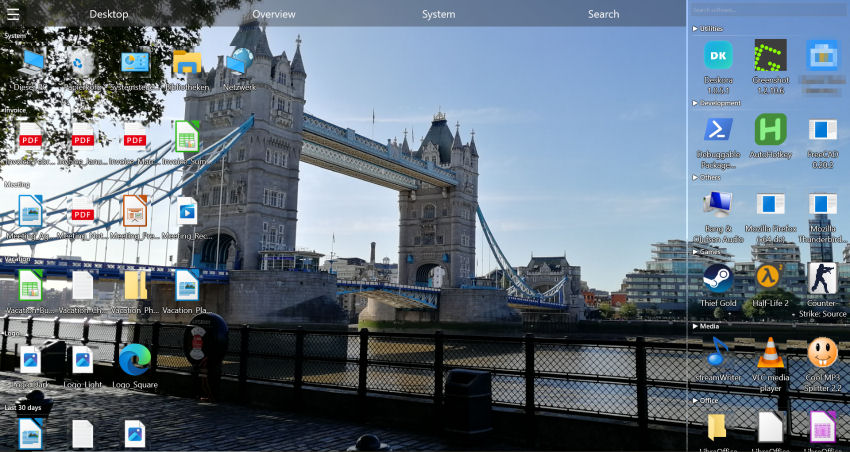
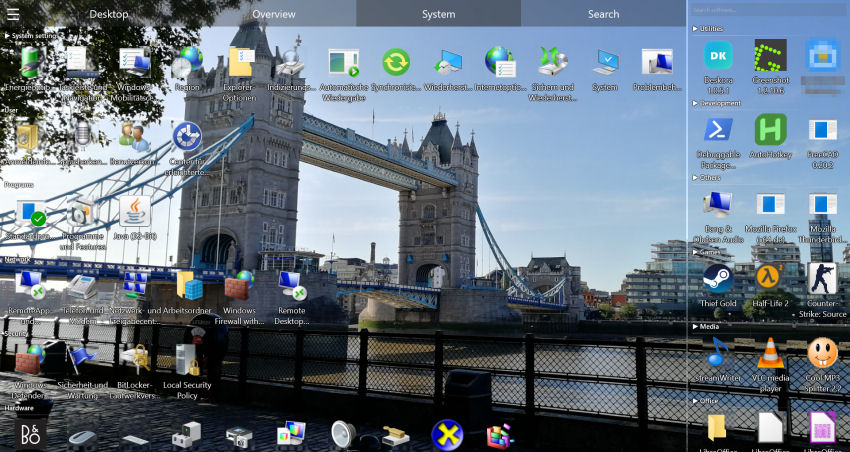
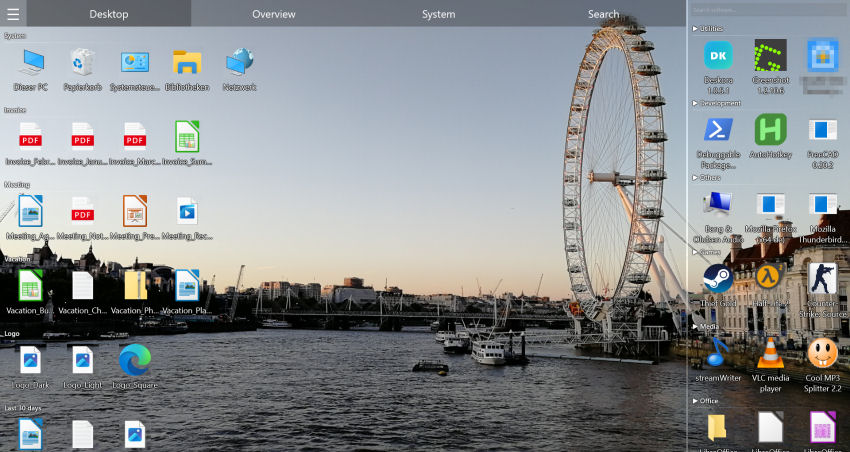
Deskora scans your desktop and automatically creates logical groups in seconds — Office docs, images, code files, downloads, shortcuts.
Step 3 — Customize (optional)
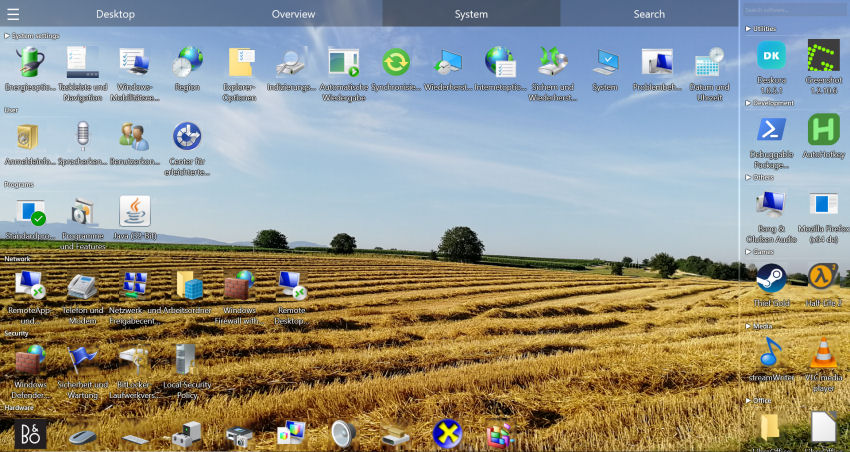
intelligent groups are just the starting point. Rename, change colors, move files between groups, add new ones. Everything is flexible.
Step 4 — Let Deskora do the rest
From now on, every new downloaded or created file is detected in real time and automatically sorted. Your desktop stays tidy forever.
🎁 Free. Forever. No catch.
Deskora is 100% free — no premium version, no subscription, no locked features.
Download DeskoraOrganize desktop for free: Deskora vs alternatives
| Method | Deskora | Fences (paid) | Windows native |
|---|---|---|---|
| Cost | ✓ Free | ✗ ~$10 | ✓ Free |
| Automatic classification | ✓ intelligent | ✗ Manual | ✗ No |
| Logical groups | ✓ Yes | ✓ Yes | ✗ No |
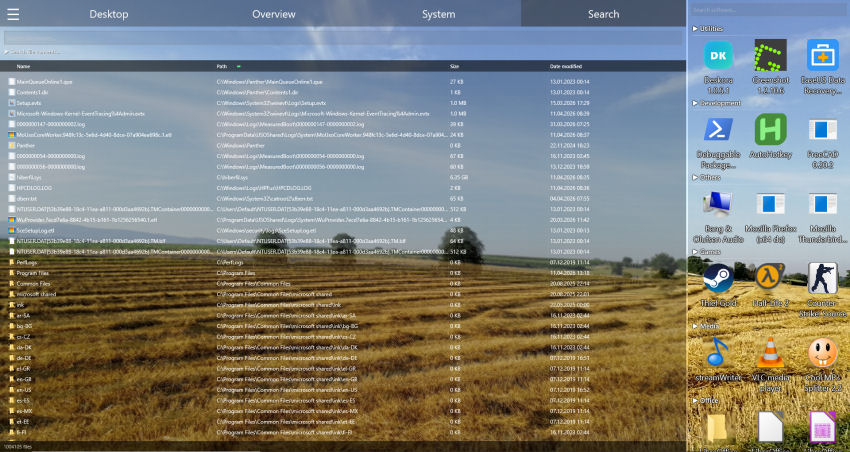
| Instant search | ✓ NTFS | ✗ No | ✗ Slow |
| Real-time detection | ✓ Yes | ✗ No | ✗ No |
Frequently Asked Questions
Is organizing the desktop with Deskora really free?
Yes, 100%. There is no paid version, no locked features, no subscription. Everything is free forever.
Does Deskora move my files on disk?
No. Groups are virtual — files stay exactly where they are on disk. Deskora only changes how you see them on the desktop.
How long does it take to organize the desktop?
Under 2 minutes: 30 seconds to install Deskora, a few seconds for intelligent analysis. Done.